 EveryDaySys
$9.00$18.00
Buy now →EveryDaySys
Write the quote, win the job, invoice it in one click. Your rates, your clients, your numbered documents — in one file that prints a real invoice.
So the job gets quoted in Word, priced in a spreadsheet, invoiced in an app you pay for monthly, and chased from memory. The numbers drift, the numbering restarts, and the deposit somebody paid in July is nowhere.
This is one file that holds the whole arc: the quote, the invoice it becomes, what was paid, what is late, and the document you print at the end.
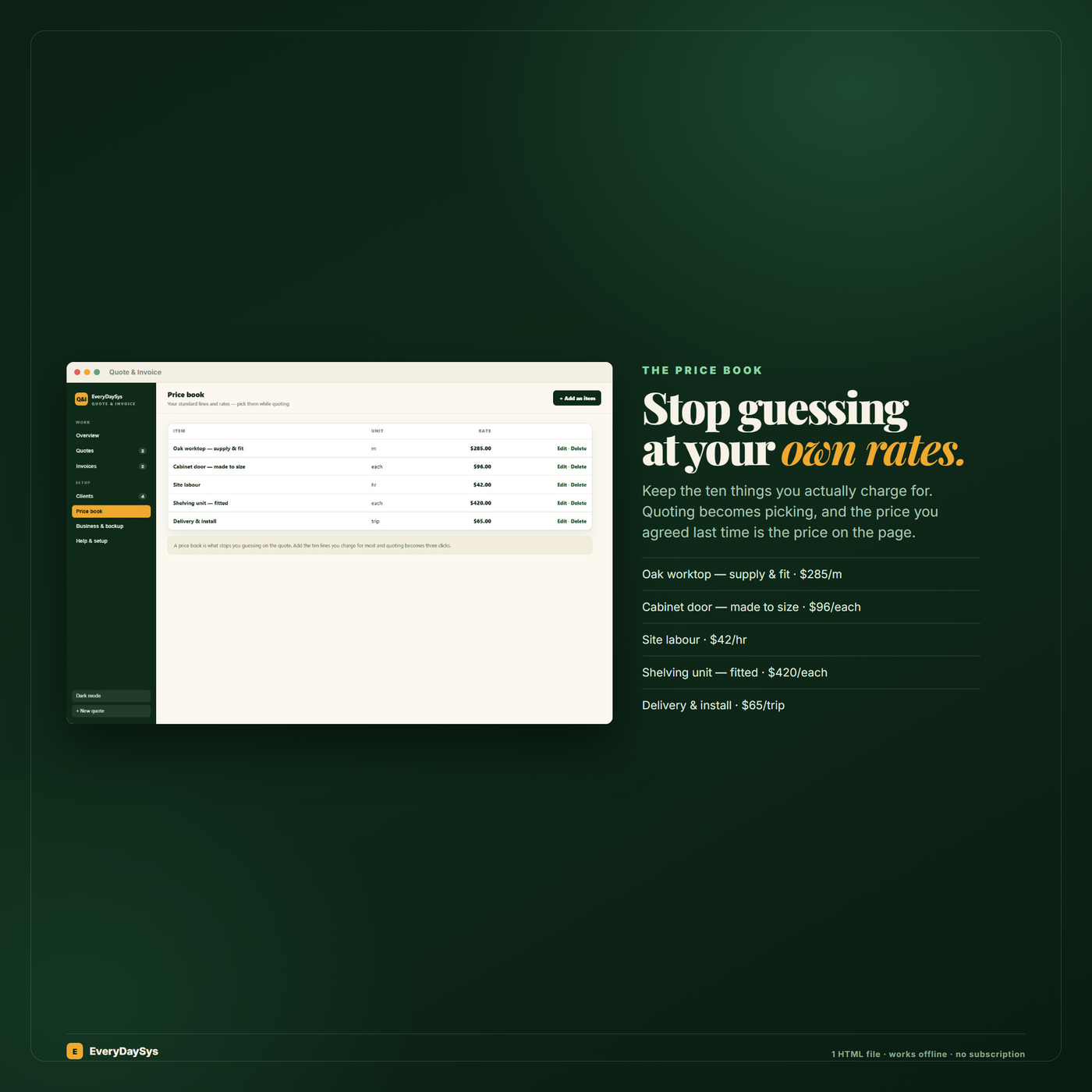
Put your business details in once — they print on every document. Add the ten lines you actually charge for to the price book. Then quoting is picking, not typing.
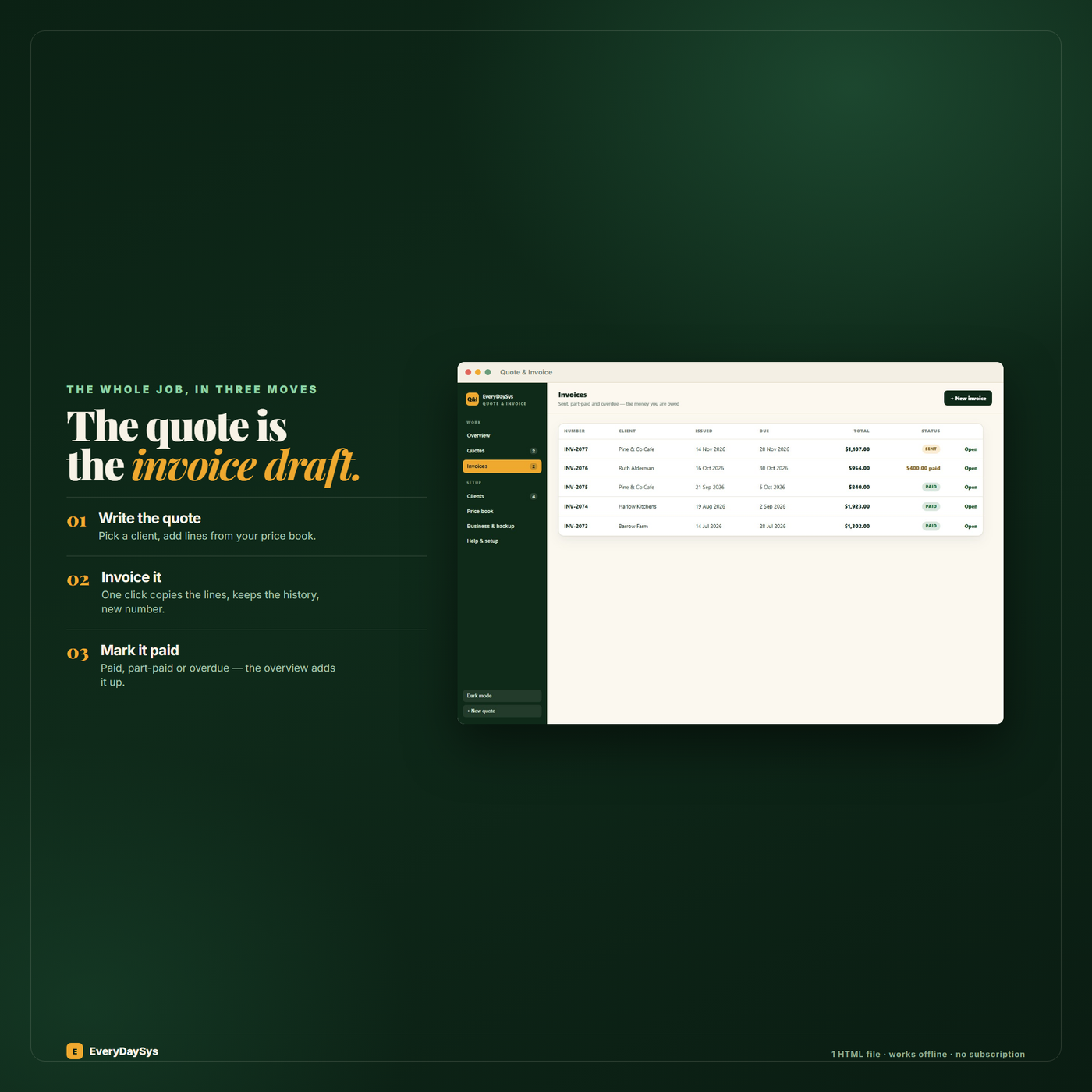
The quote is not a separate document type you retype — it is the invoice draft. When they say yes, Invoice it copies the client and the lines, gives it the next invoice number, and marks the quote accepted so nothing gets billed twice.
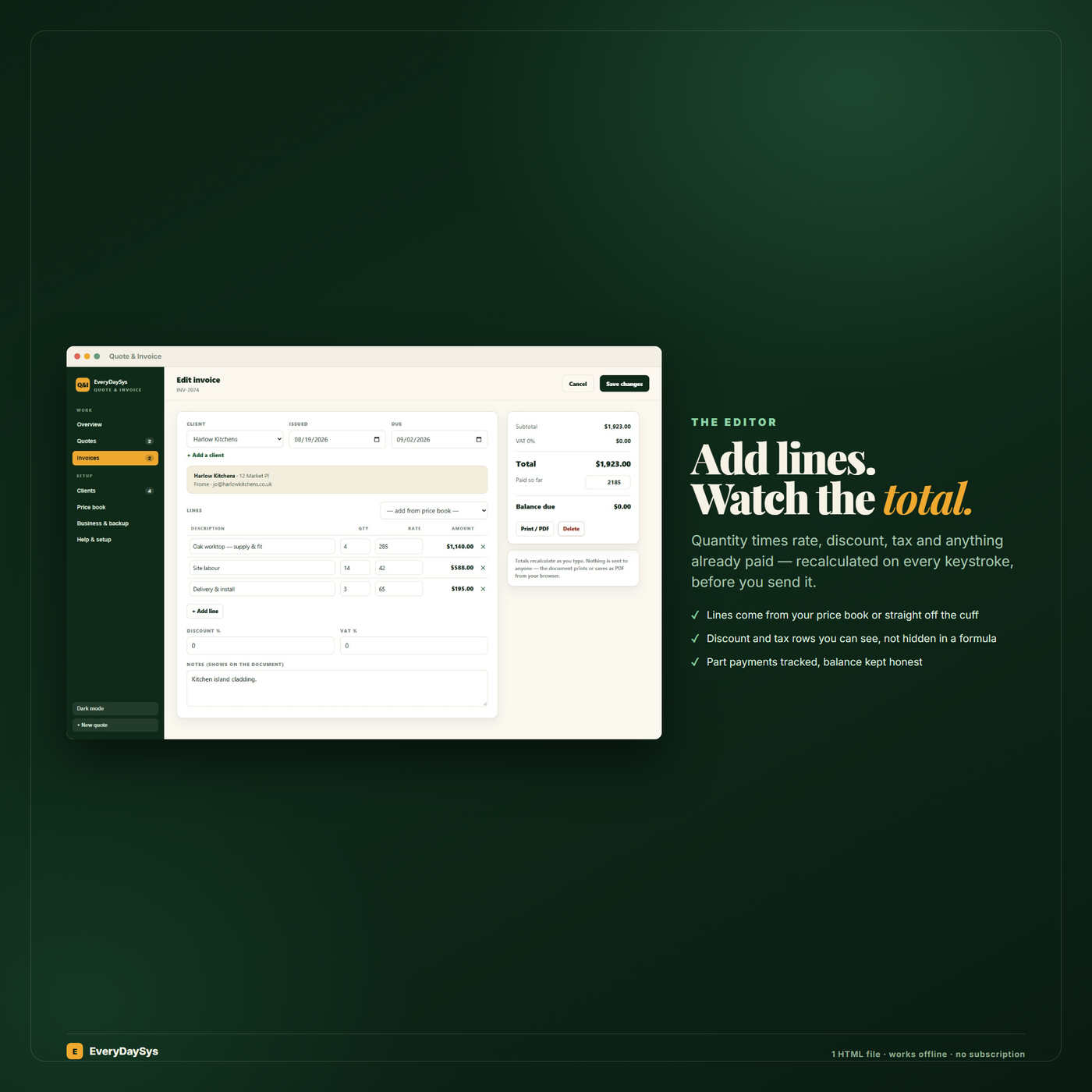
Quantity times rate, a discount, the tax your country uses, and whatever has already landed in the bank — recalculated on every keystroke, before you commit it to a document.
Part payments are the part other tools get wrong. Type what actually arrived and the balance, the overdue flag and the overview all follow that number.
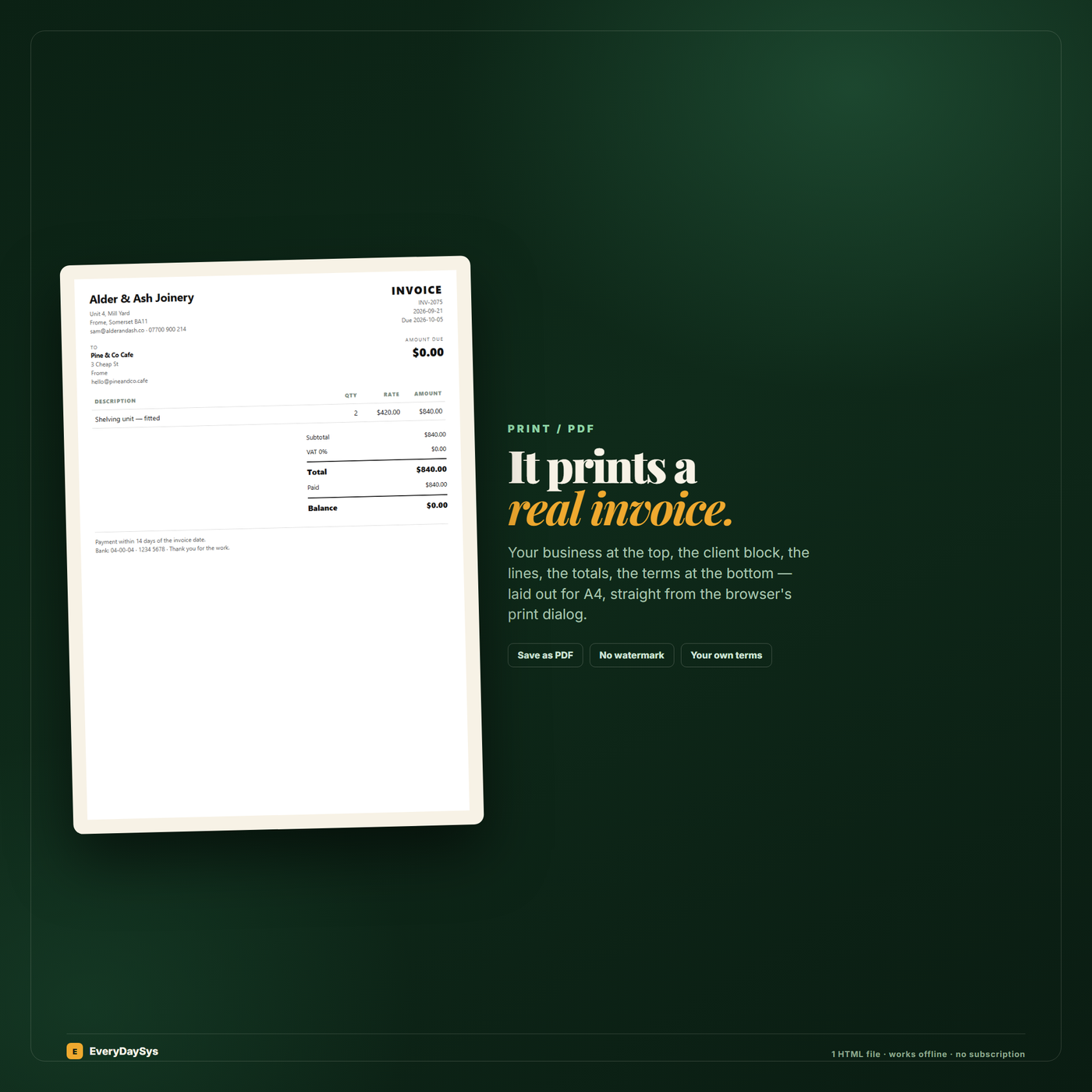
Your business at the top, the client block, the line table, the totals, your terms and bank details at the bottom — laid out for A4 and produced by your browser's own print dialog.
Choose “Save as PDF” and you have a file to email. No watermark, no “upgrade to remove branding”, no print area to set up.
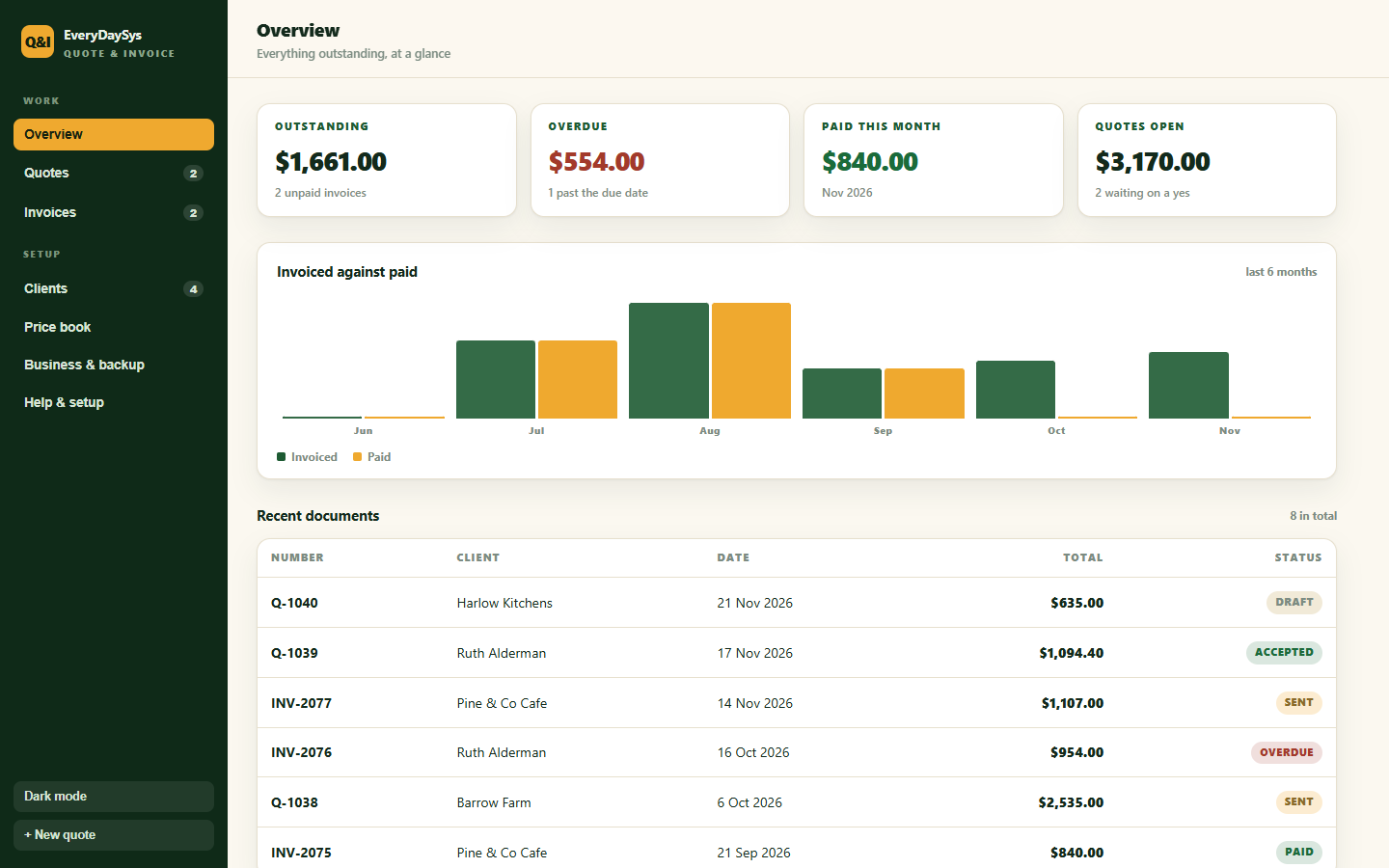
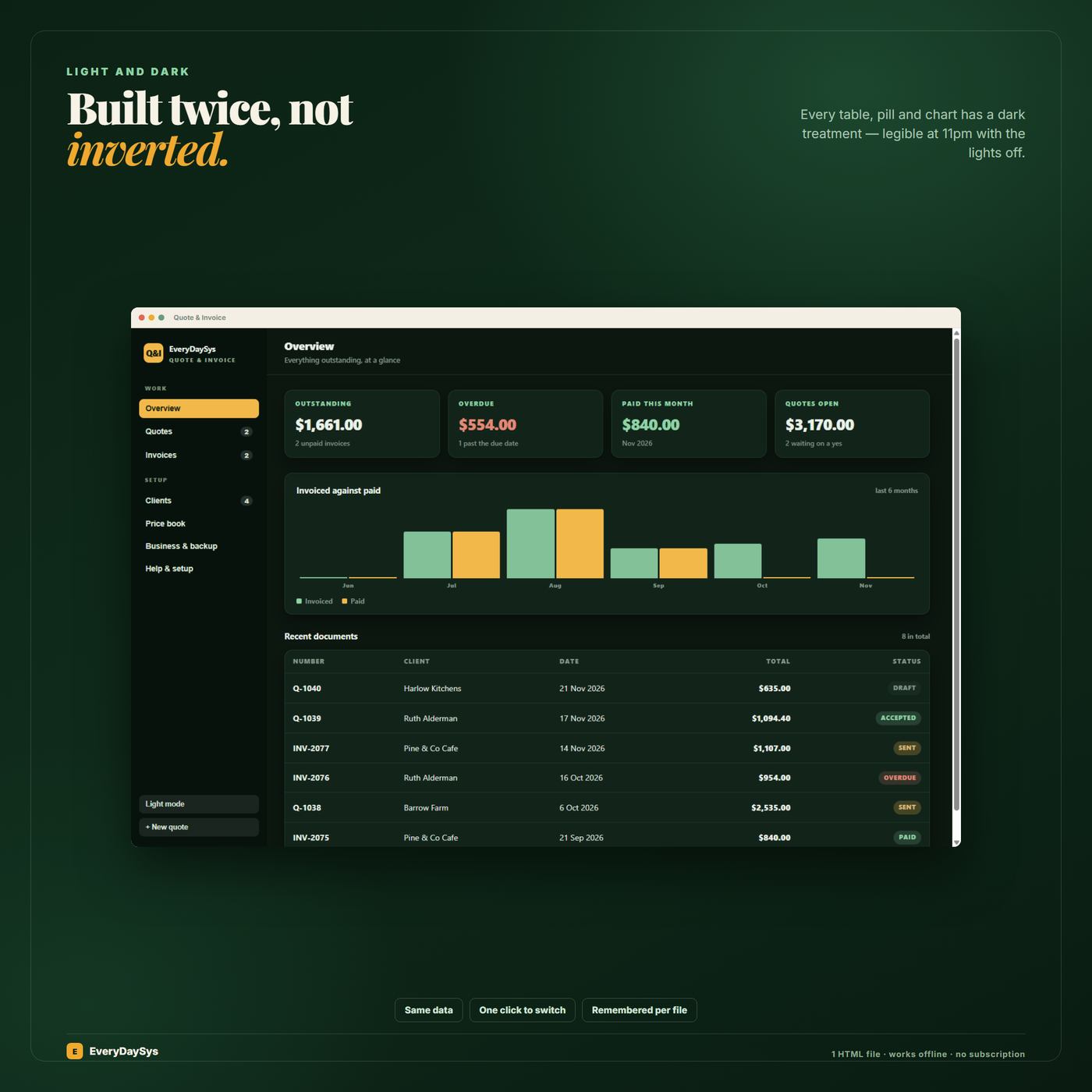
Four figures a small business actually asks for on a Friday, plus six months of invoiced against paid so a slow quarter is visible before it becomes a bad year.
Statuses are honest by construction: a sent invoice with a date in the past is overdue, and a part-paid one shows the balance, not the total.
It is a file on your machine, not a service, and that shape has honest edges.
No. It is one HTML file. Unzip it, double-click it, and it opens in your browser. That is the whole install.
Not directly — that would need a mail server and an account. You print or save the PDF and send it from your own email, which also means the client sees your address, not ours.
Yes. Once the file is on your machine it has no reason to reach the network. Put the laptop in flight mode and everything still works.
The app goes back to its sample year. That is why Backup & export exists: one .json file with every document, client and setting, restorable on this machine or the next one.
Yes. Currency symbol, tax label and rate, and the quote/invoice prefixes are all settings. Numbers carry on from where you left off.
Different job. The spreadsheet is for people who live in Excel. This is for people who want to write a quote on site, print an invoice that evening and never open a spreadsheet again.
Quotes, invoices, clients and a PDF that looks like a business sent it.
Buy now — $9.00 →