Thirteen tabs built around the part every other spreadsheet ignores — what it cost you to go and get the stock.
Every flipper knows the lot that looked brilliant and turned out to be dead stock. What's harder is knowing which lot it was, because the trip cost — fuel, parking, four hours of a Saturday — never made it into the maths.
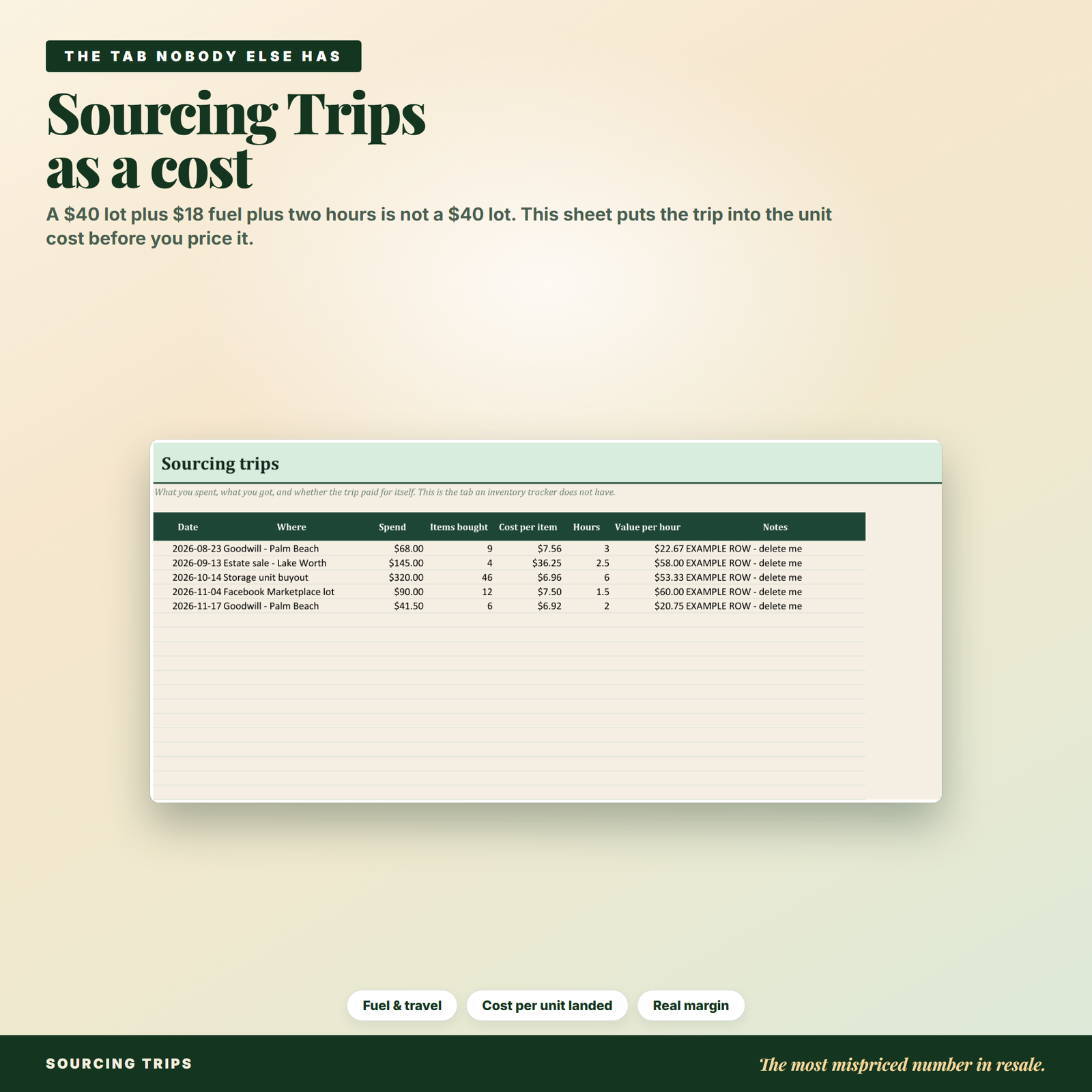
A $40 lot of 20 items looks like $2 a unit. Add $18 of fuel and suddenly it's $2.90. Take the marketplace fee off that and the margin you thought you had is gone.
This workbook puts the trip in before you price anything, and every profit figure downstream uses that landed cost.
Log the trip once: what you paid for the lot, the fuel, the parking, anything else it cost to get the stock home. Then record how many sellable units came back.
The sheet divides it out. A $40 lot plus $18 fuel across 20 units is $2.90 a unit landed — and that's the number every profit calculation uses from then on.
Run three trips and the Sources tab starts telling you which one to do again.
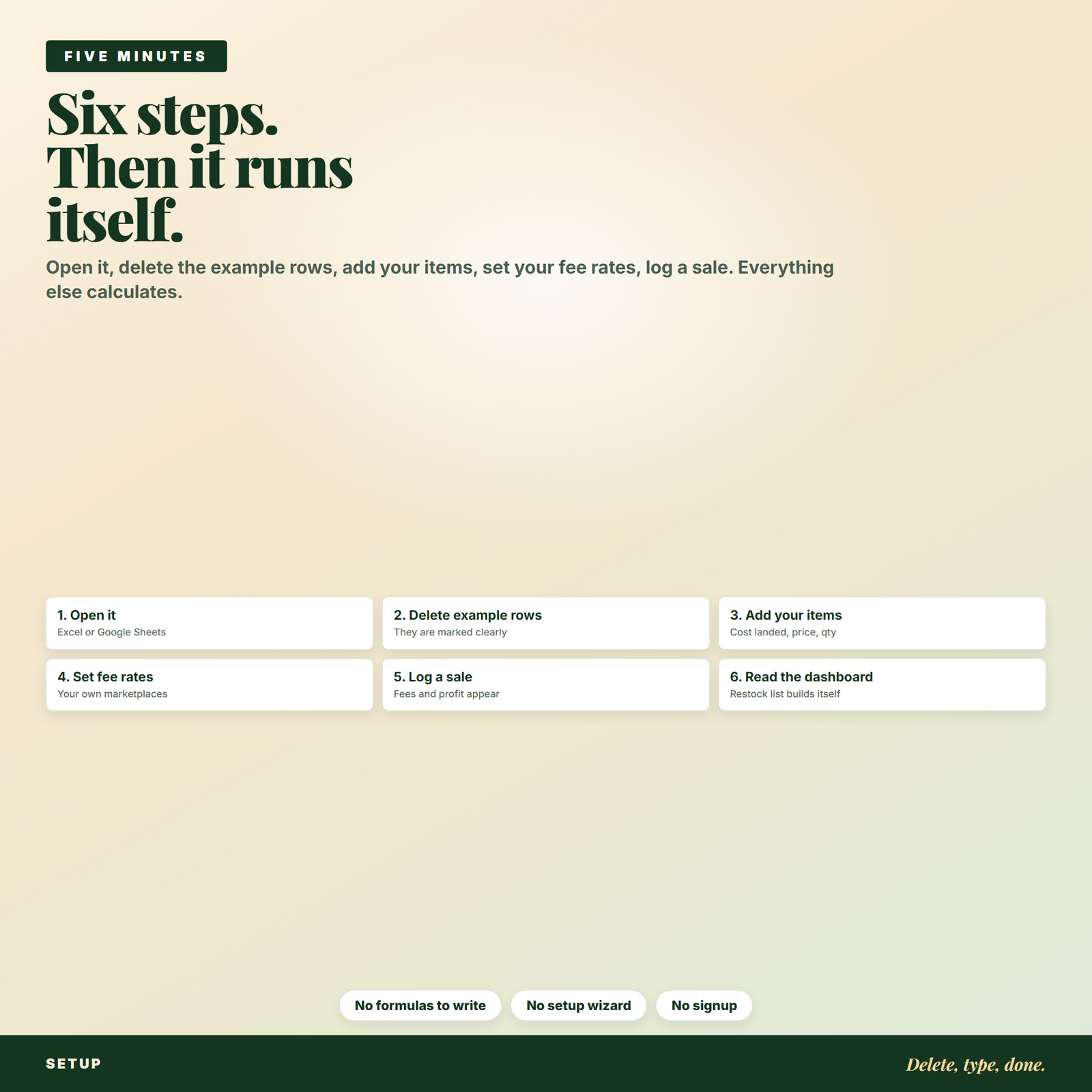
Sample rows are marked clearly. Delete them, add your own items, and the formulas take over.
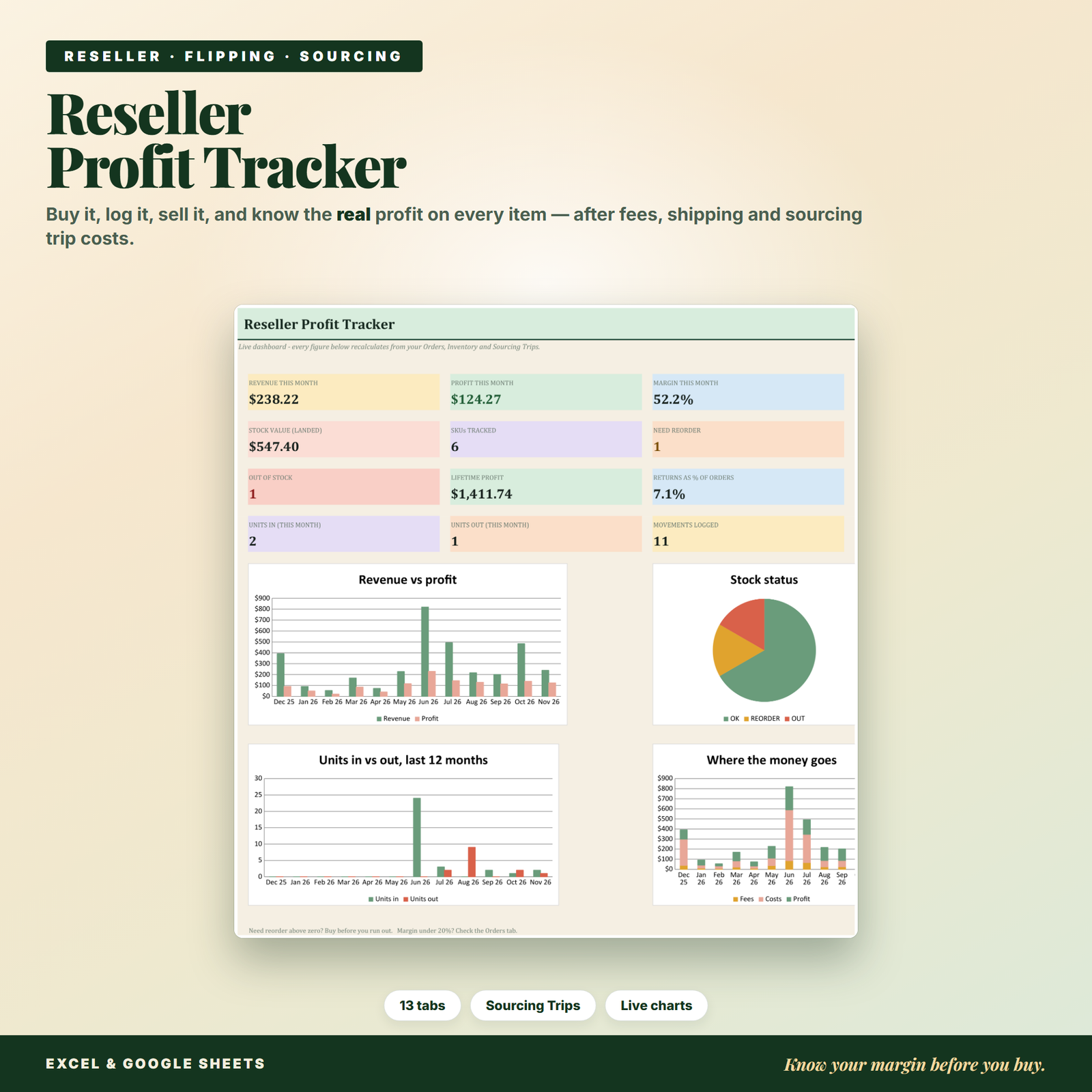
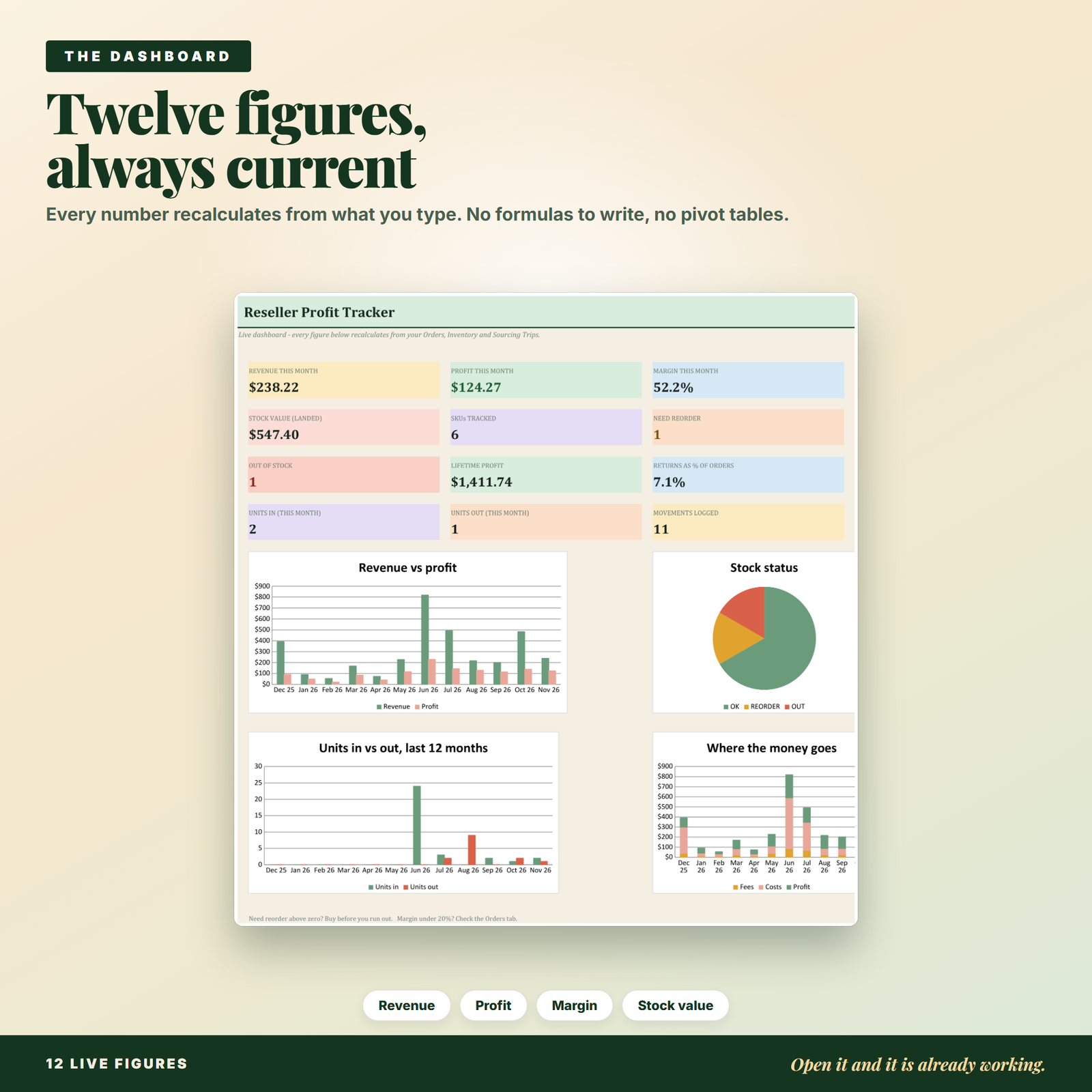
Revenue, profit, margin, stock value, units, reorder count, out of stock, lifetime profit — plus four charts that redraw as you type.
It's the screen you open on a Sunday night to see whether last week was worth doing.
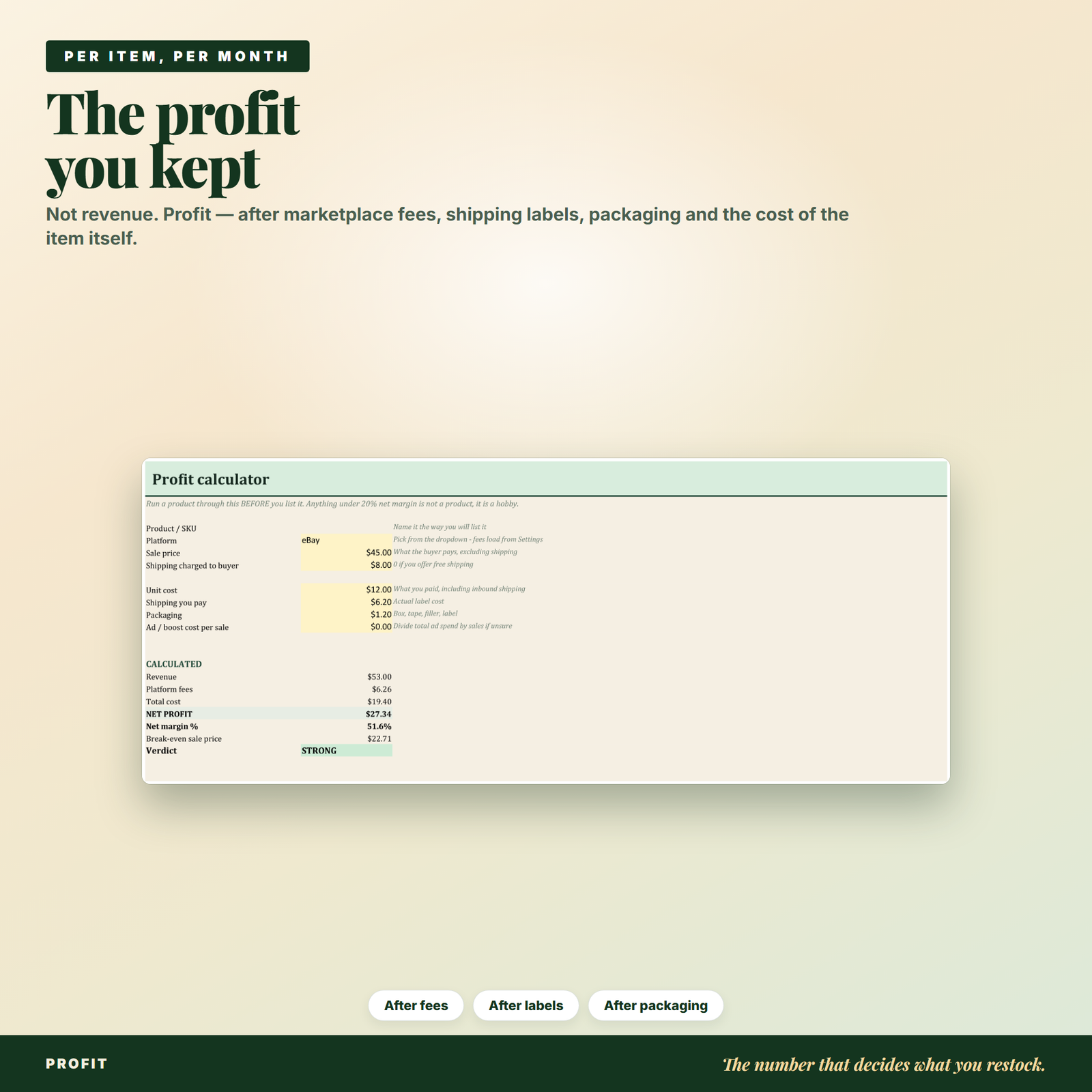
Marketplace fee, shipping label, packaging, and the landed cost of the item. All four come out before profit is shown.
Sort by profit rather than revenue and your best-seller list usually changes — often dramatically.
Sources tracks what you bought where, what it cost and what it returned. Over a few months it tells you which hunting ground deserves another Saturday and which one to stop visiting.
That's the difference between a hobby that pays for itself and a storage unit you're renting to lose money in.
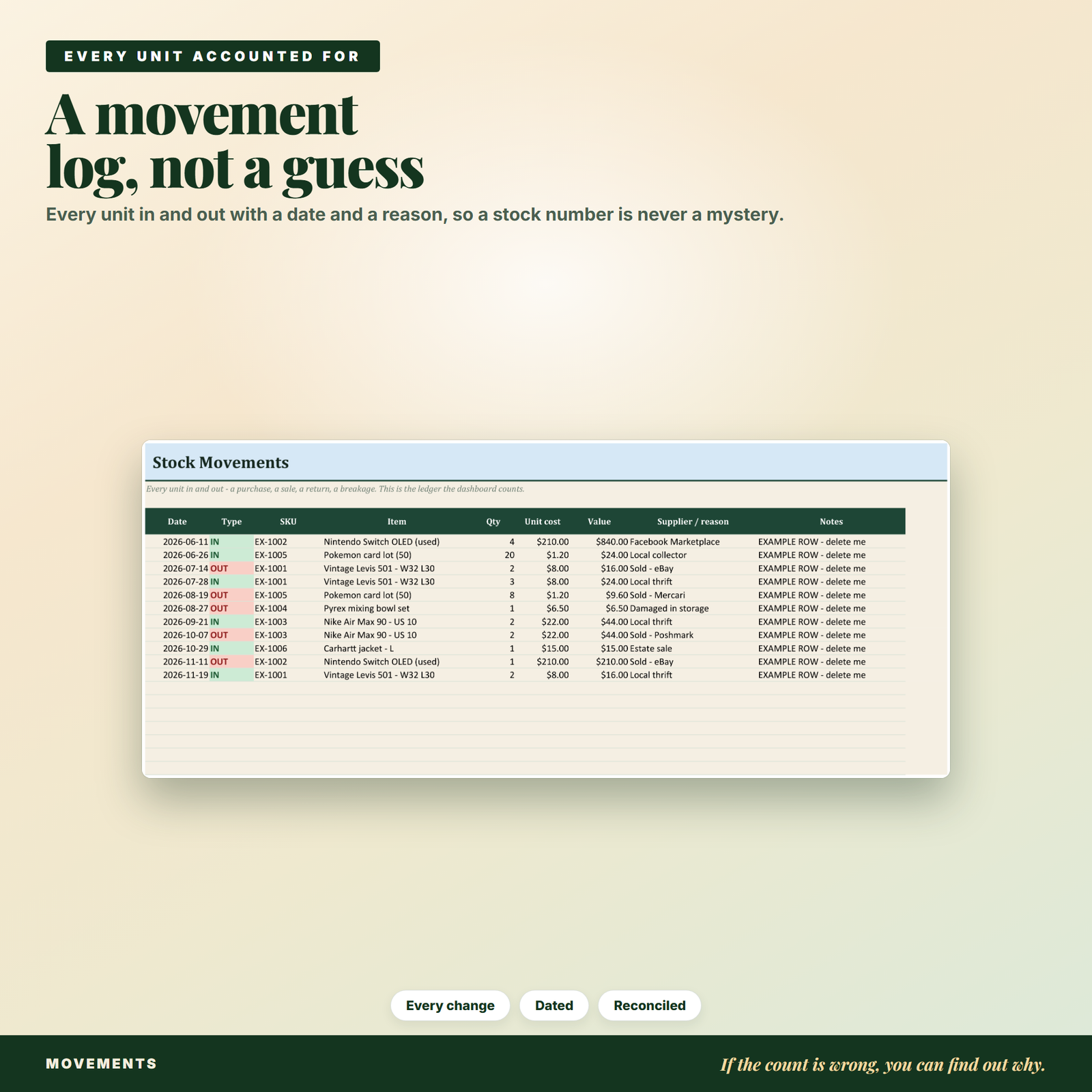
Breakages, samples, a miscount at a car boot, something you kept — all of it gets a row with a date and a reason, so a stock number never becomes a mystery.
Returns are tracked separately so a refund doesn't quietly vanish, and the Listing QA tab runs twelve checks before anything goes live.
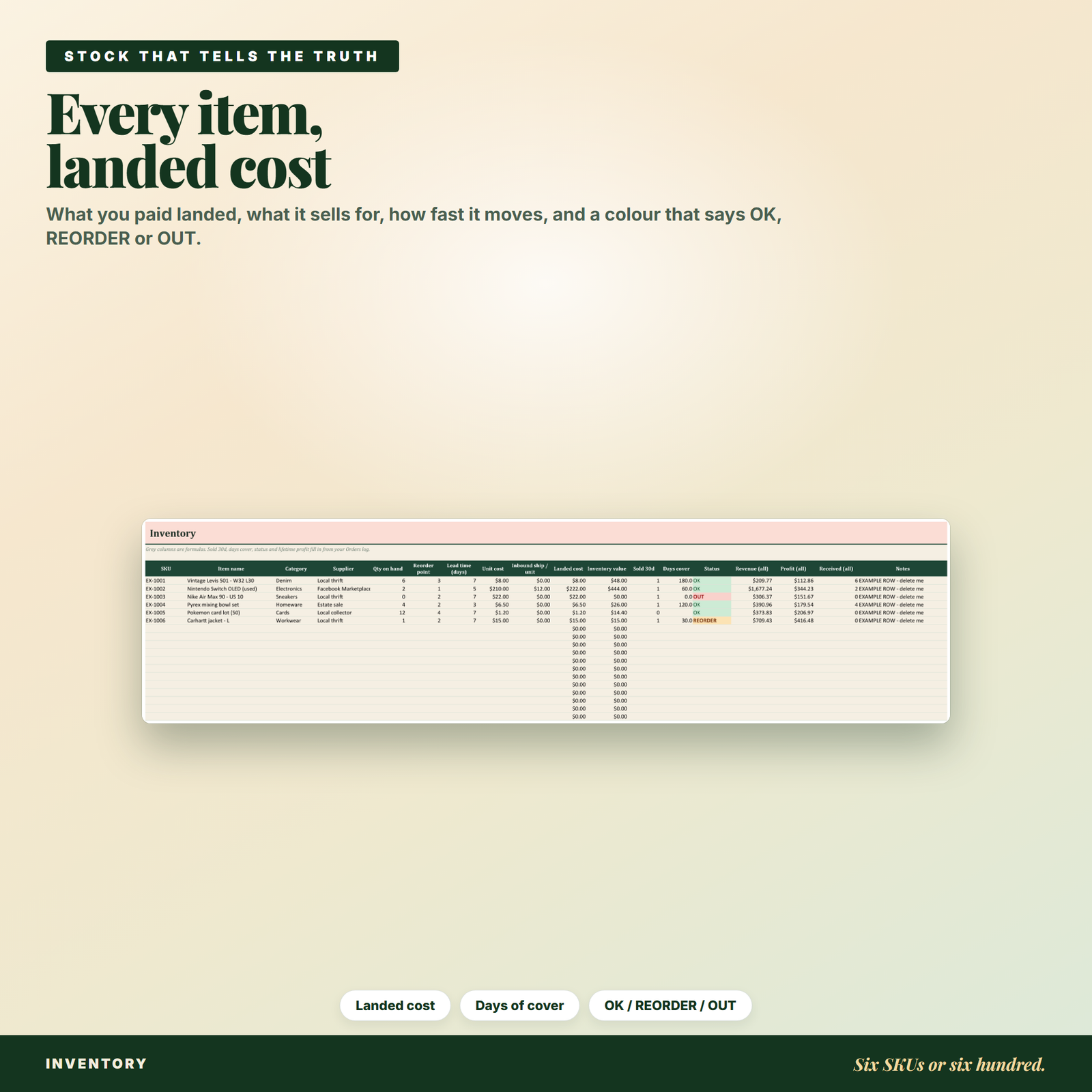
The item cost plus anything it took to get it — inbound shipping, fuel share, fees. Profit should always be measured against it, never the sticker price.
Yes. The Sources tab scores each one, so you can see which supplier or hunting ground actually earns.
That's exactly who it's built for. Nothing in it assumes staff or a warehouse.
Set each platform's fee in Settings. Each order row picks up the right fee automatically.
You can, but you probably don't need both — this one contains the same dashboard. The bundle exists for people who want both files.
Thirteen tabs, and every margin uses the real number.
Buy now — $5.99 → EveryDaySys