Thirty files: six invoice routes, six documents to print, six ways to know what stock cost, six answers to “what does this platform keep”, and six logs for the year end. Each row says what the file does, what lands in your downloads folder, and where to read the long version.
Every file here is free and every one is delivered the same way: put an address in the box on the product's own page and the download starts. There is no cart, no trial, no subscription and no account to create. What differs is the format — a spreadsheet you open in Excel, a Word template you type over, a single HTML file you double-click, or a printed table — so each row names the format and the exact filename before you commit to anything.
The second half of every row is honest about where the file lives. Thirteen have a full landing page: what is inside, screenshots of the real screens, the limits written down and the questions people ask. Eleven are showcased on a working tool page, because the tool is the demonstration. Six are produced by a generator page that also serves the template, so the row goes straight to that page's download form instead of inventing a second page that repeats it.
The quote, the invoice, and the job you are still owed for. Six ways to ask for money without a subscription.
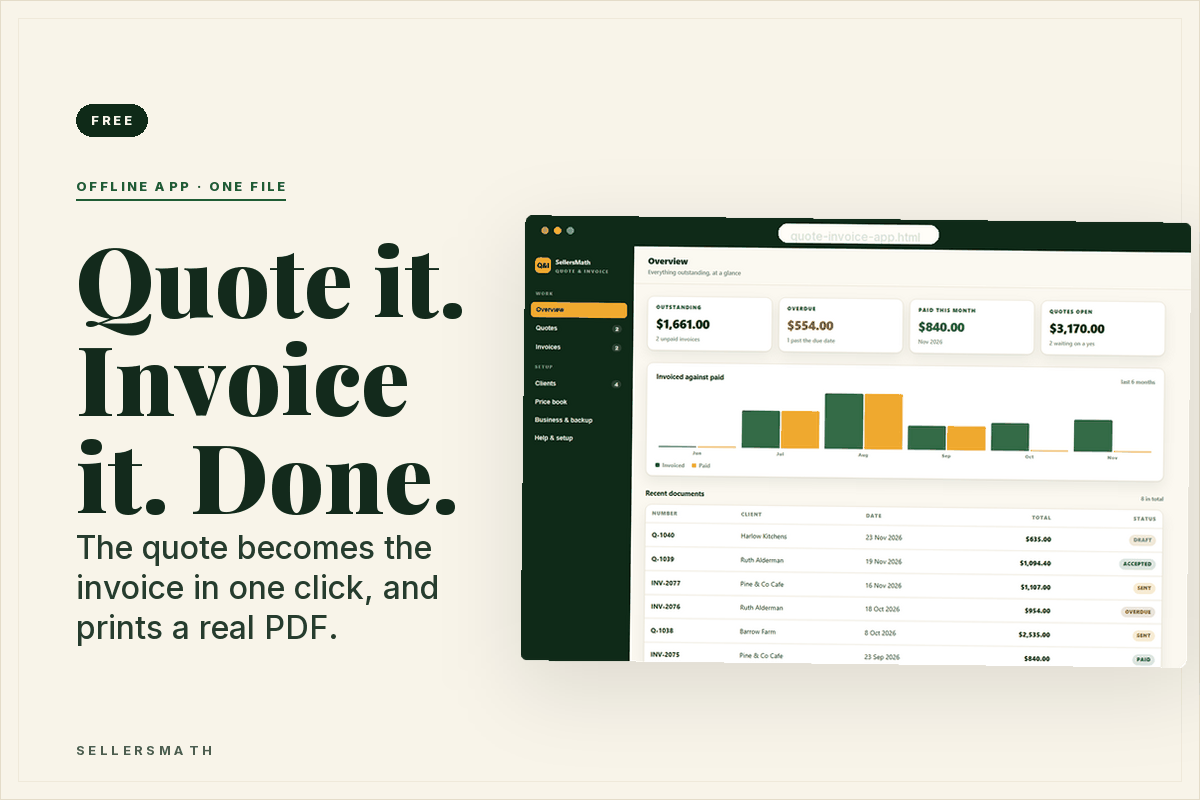
The quote becomes the invoice in one click, and prints a real PDF.
Download: quote-invoice-app.html
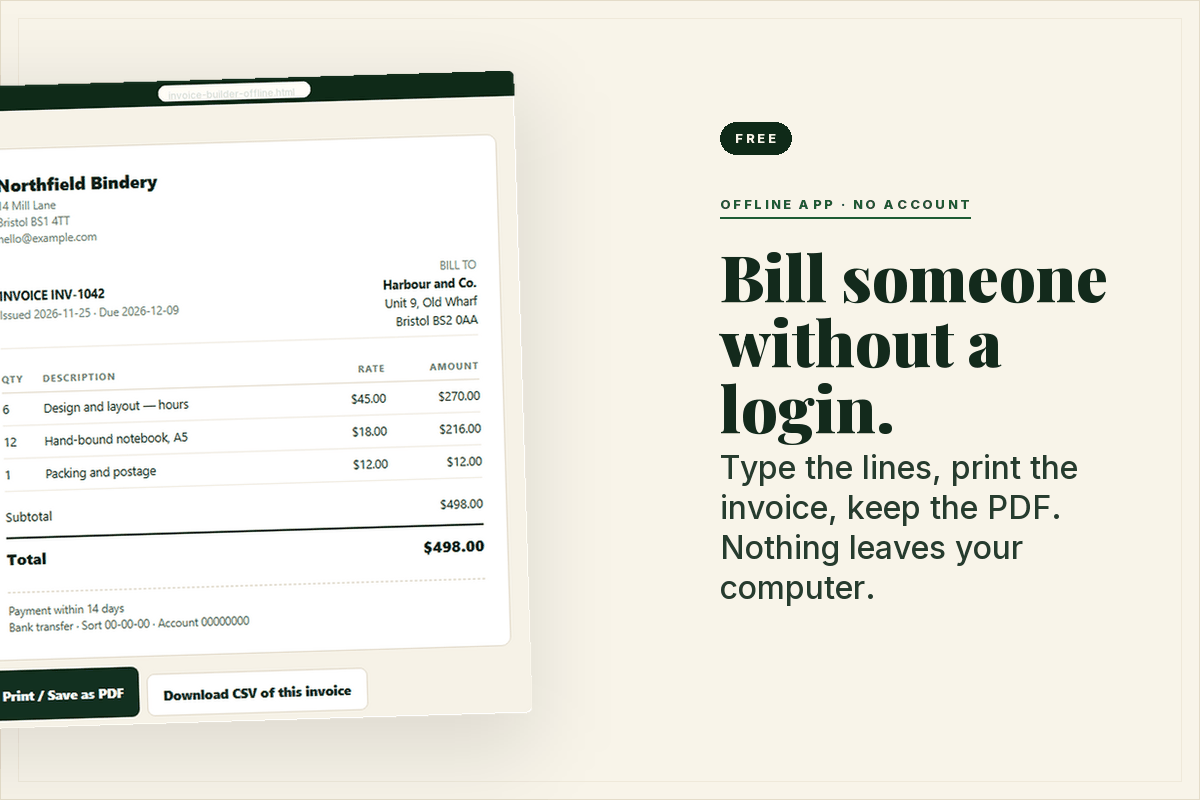
Type the lines, print the invoice, keep the PDF. Nothing leaves your computer.
Download: invoice-builder-offline.html
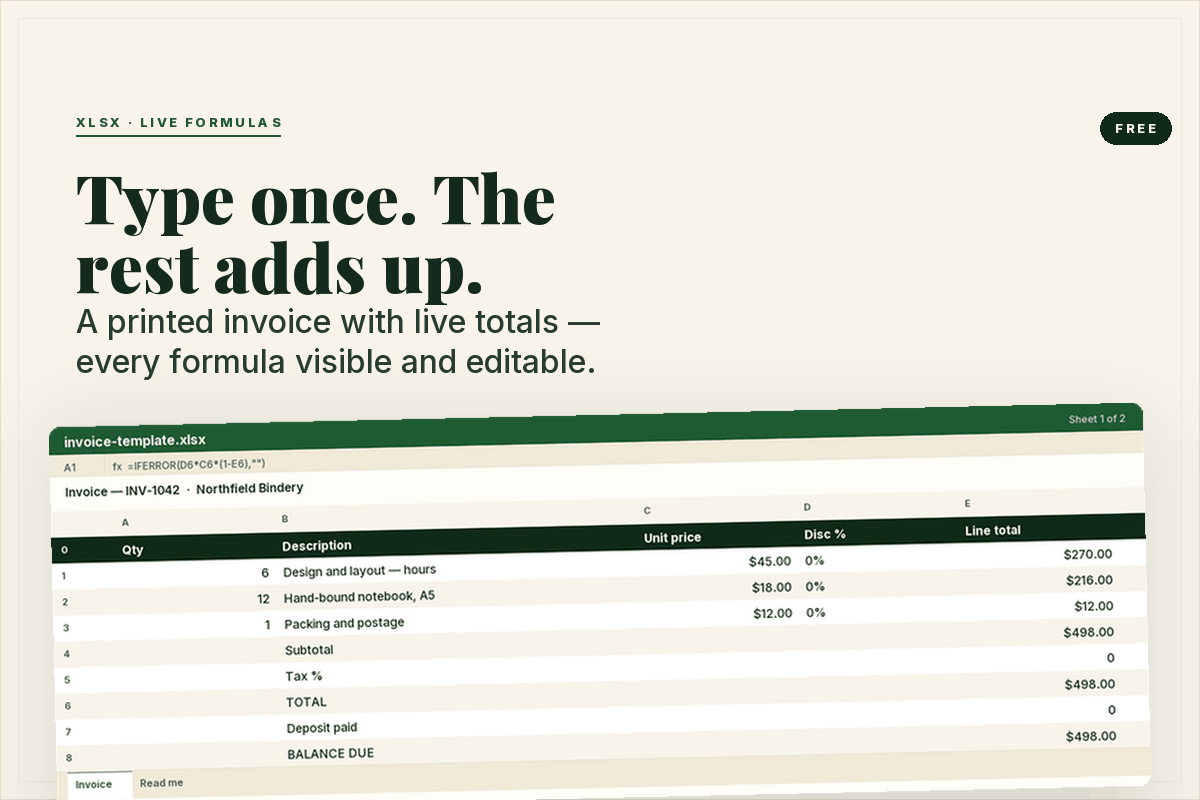
A printed invoice with live totals — every formula visible and editable.
Download: invoice-template.xlsx
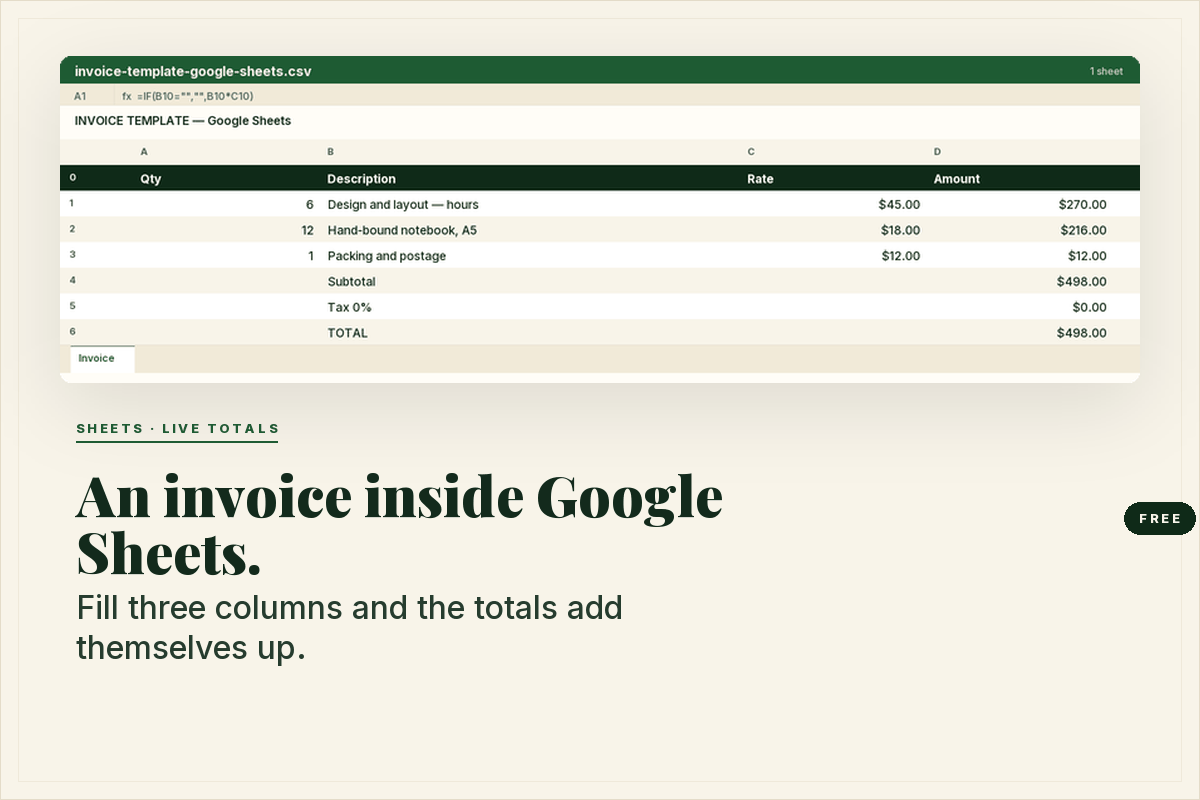
Fill three columns and the totals add themselves up.
Download: invoice-template-google-sheets.csv
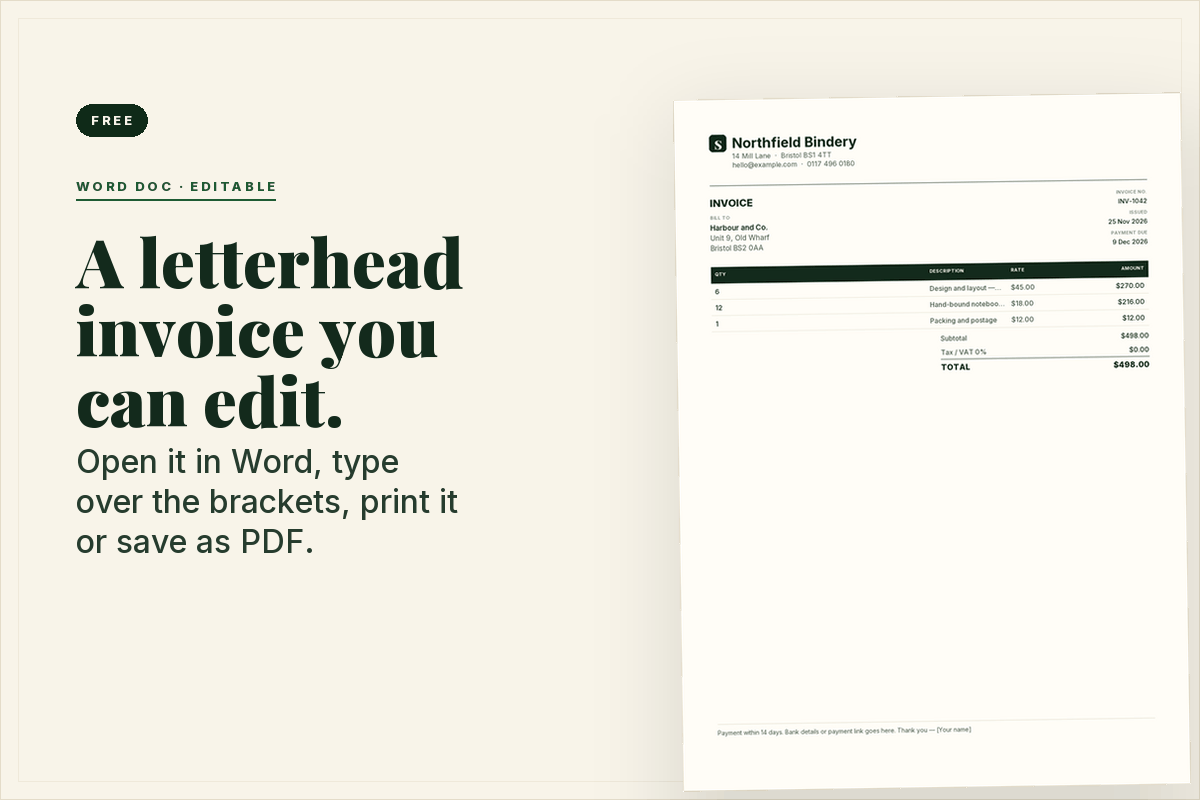
Open it in Word, type over the brackets, print it or save as PDF.
Download: invoice-template-word.doc
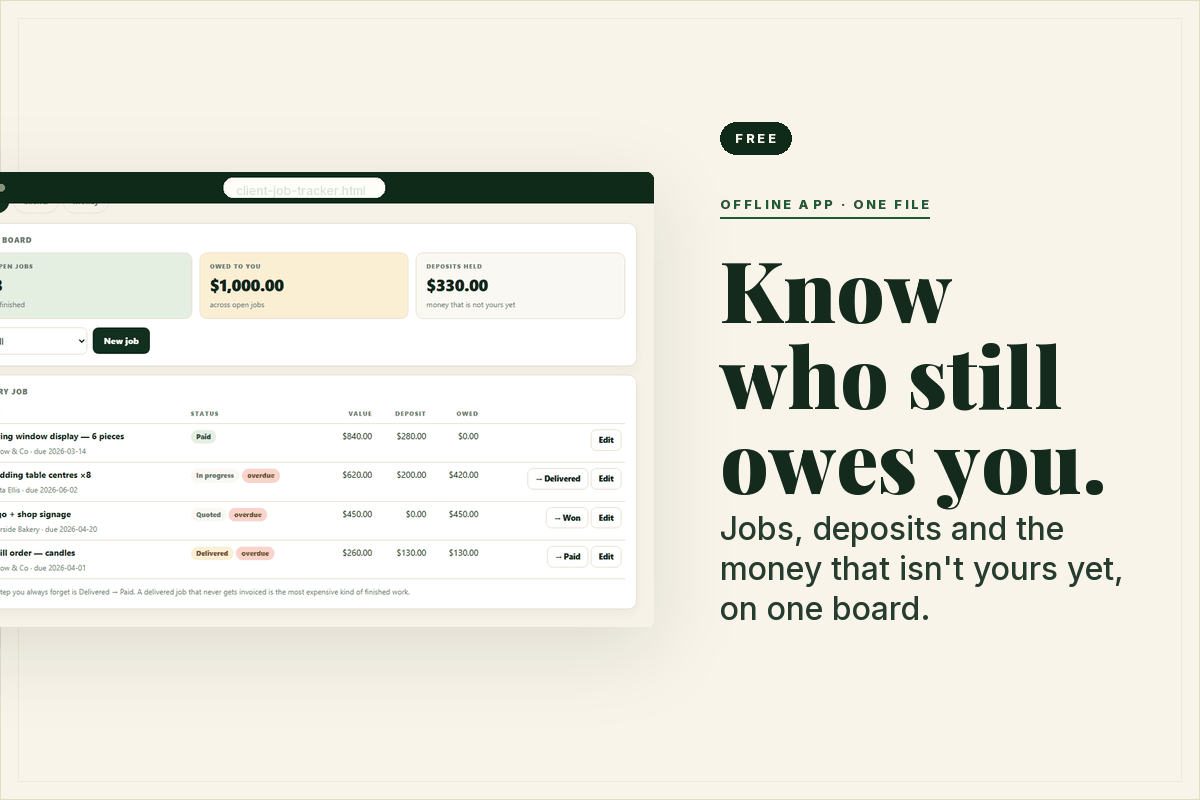
Jobs, deposits and the money that isn't yours yet, on one board.
Download: client-job-tracker.html
The paperwork a customer, a border official or an accountant asks for. Each one is a generator in the browser plus the Word template it produces.
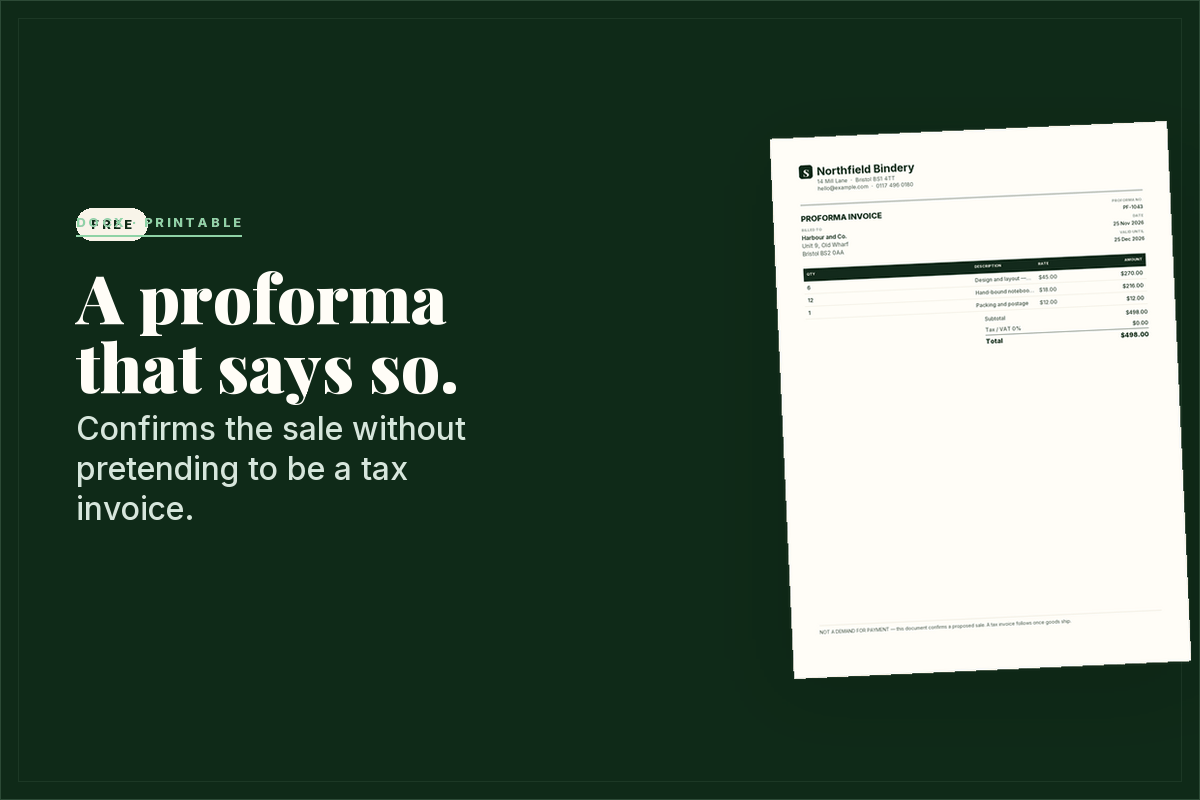
Confirms the sale without pretending to be a tax invoice.
Download: proforma-invoice.docx
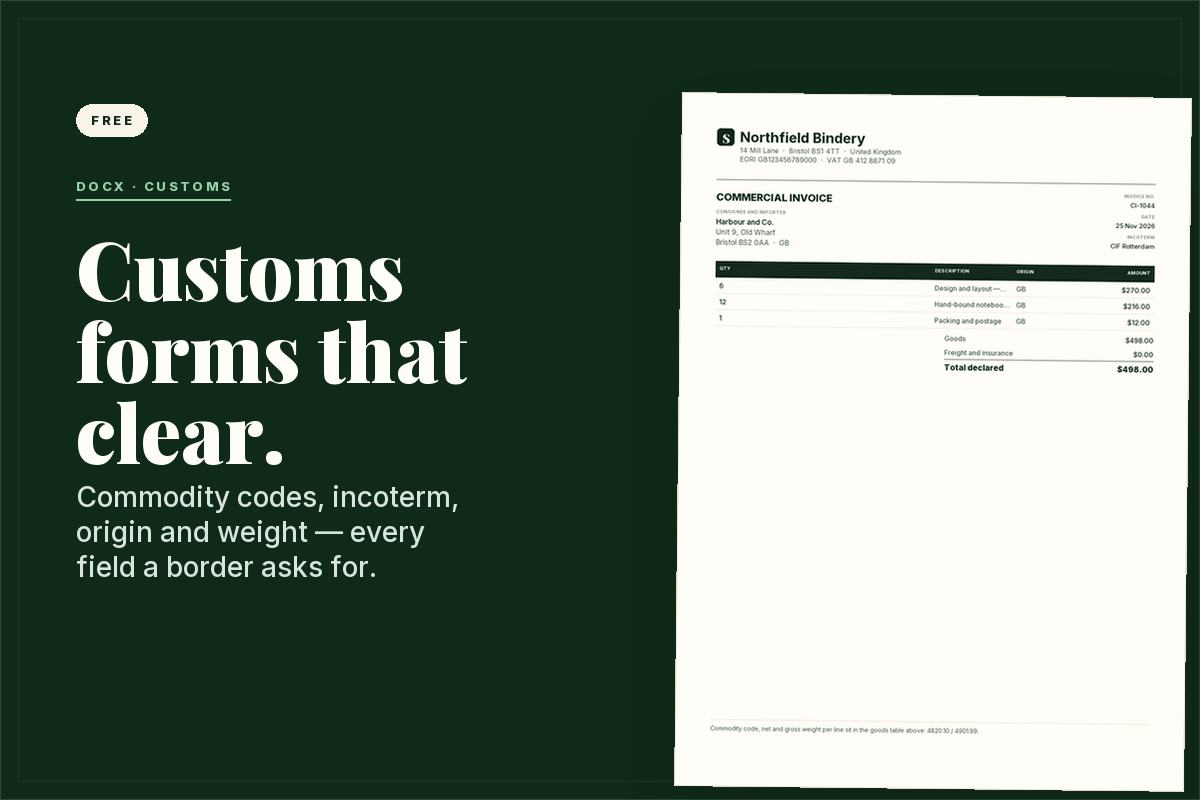
Commodity codes, incoterm, origin and weight — every field a border asks for.
Download: commercial-invoice.docx
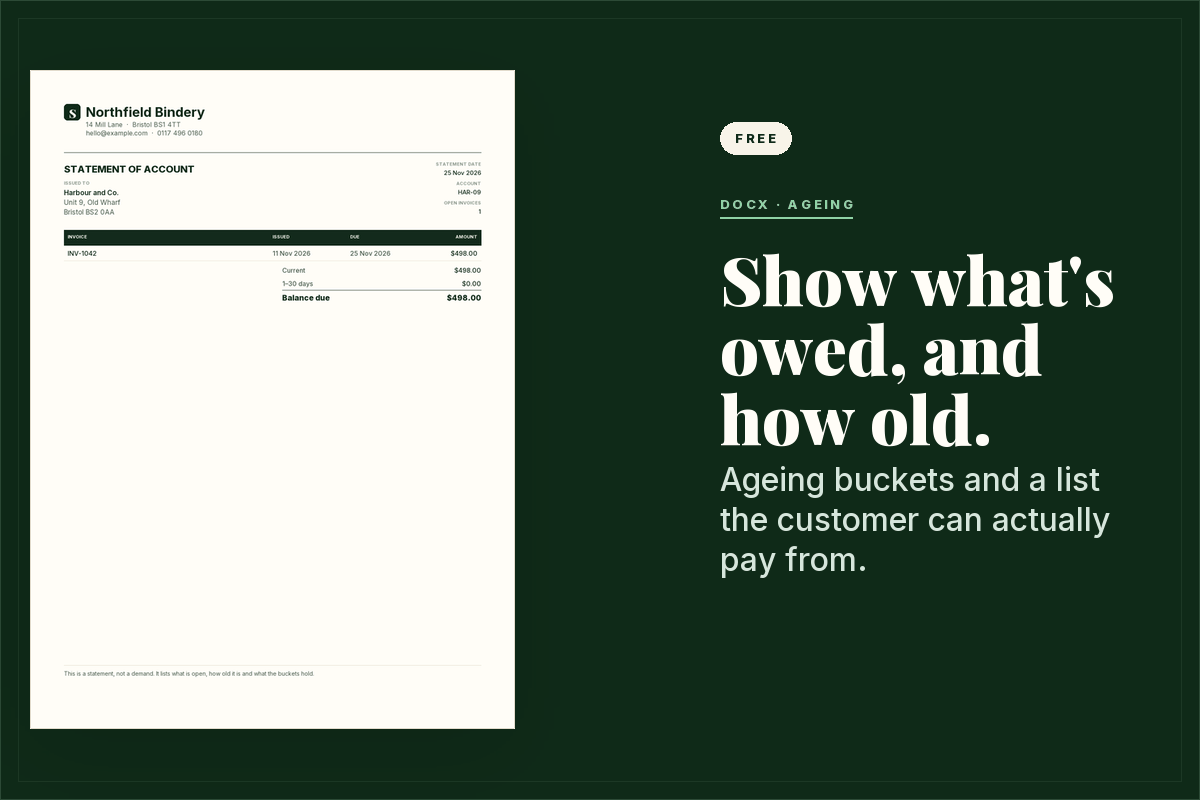
Ageing buckets and a list the customer can actually pay from.
Download: statement-of-account.docx

Names the invoice it credits and the tax it reverses.
Download: credit-note.docx
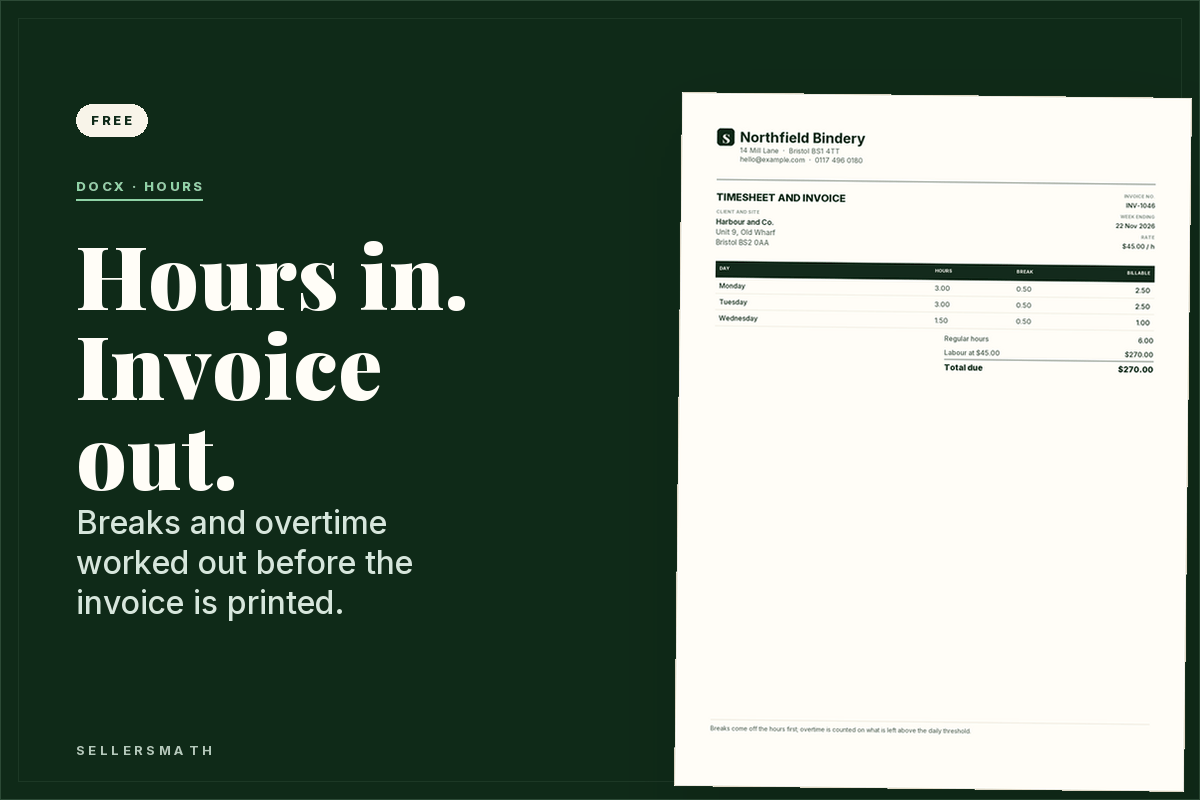
Breaks and overtime worked out before the invoice is printed.
Download: timesheet-invoice.docx
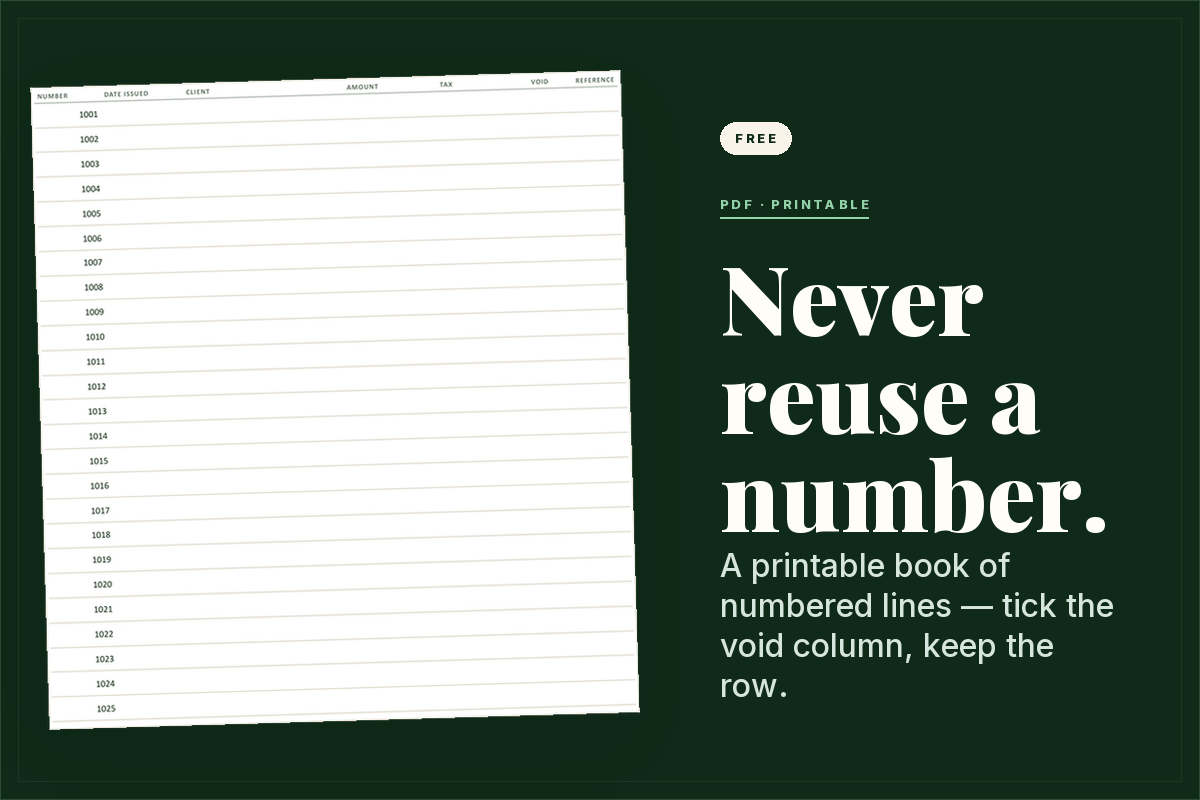
A printable book of numbered lines — tick the void column, keep the row.
Download: invoice-number-log.pdf
What you own, what it cost, and what left the door — including the slip that goes in the box.

Stock, orders, fees, returns and profit that redraw as you type.
Download: inventory-tracker.xlsx
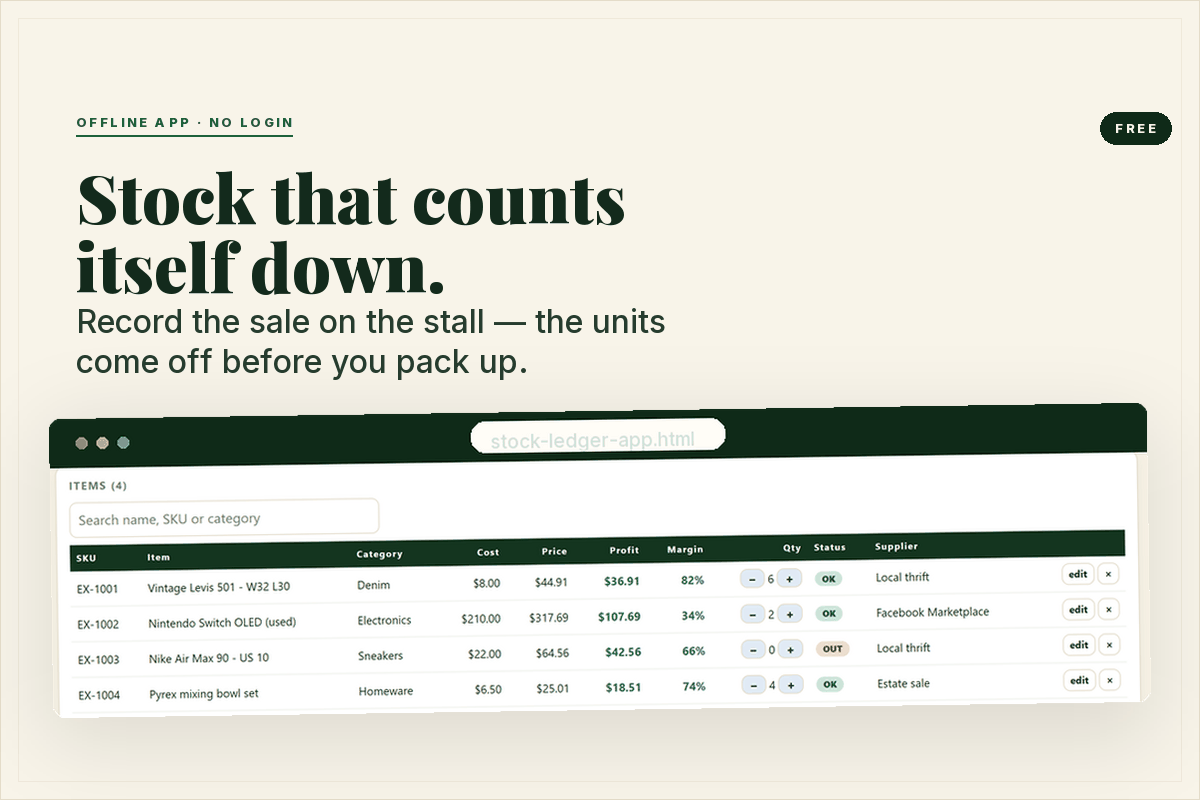
Record the sale on the stall — the units come off before you pack up.
Download: stock-ledger-app.html
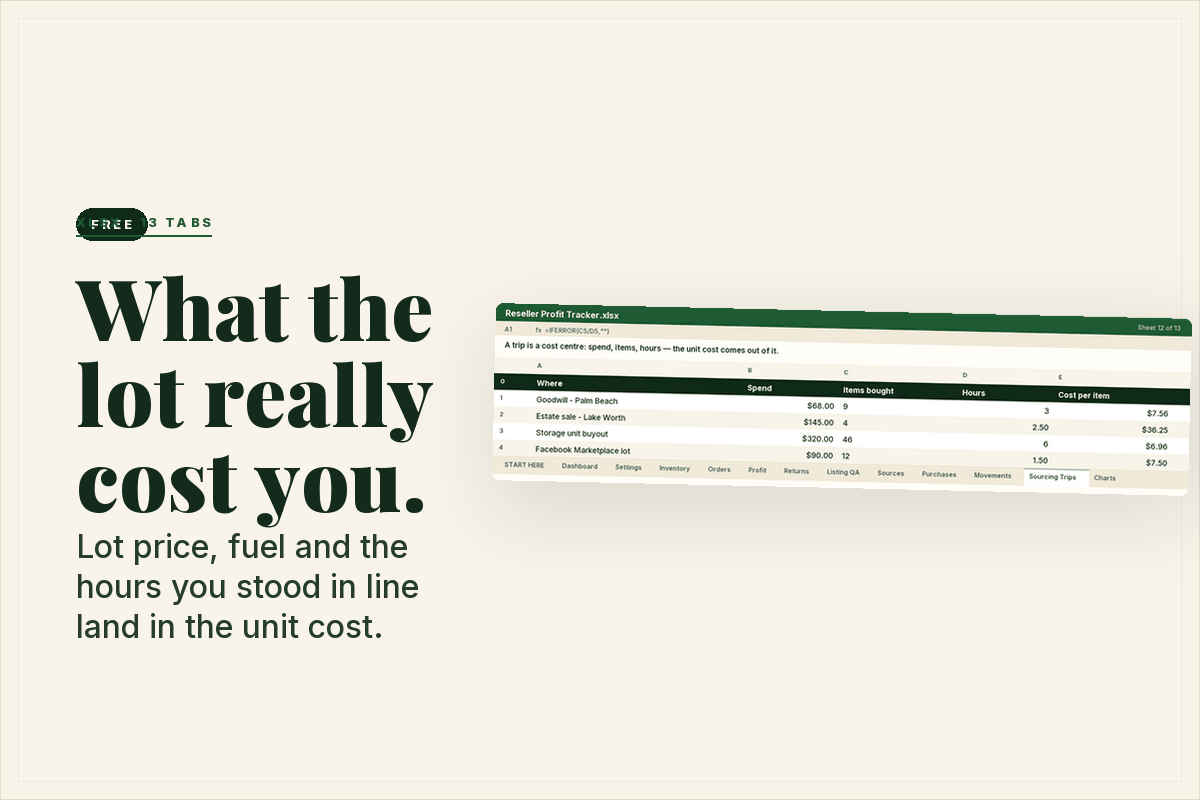
Lot price, fuel and the hours you stood in line land in the unit cost.
Download: reseller-profit-tracker.xlsx
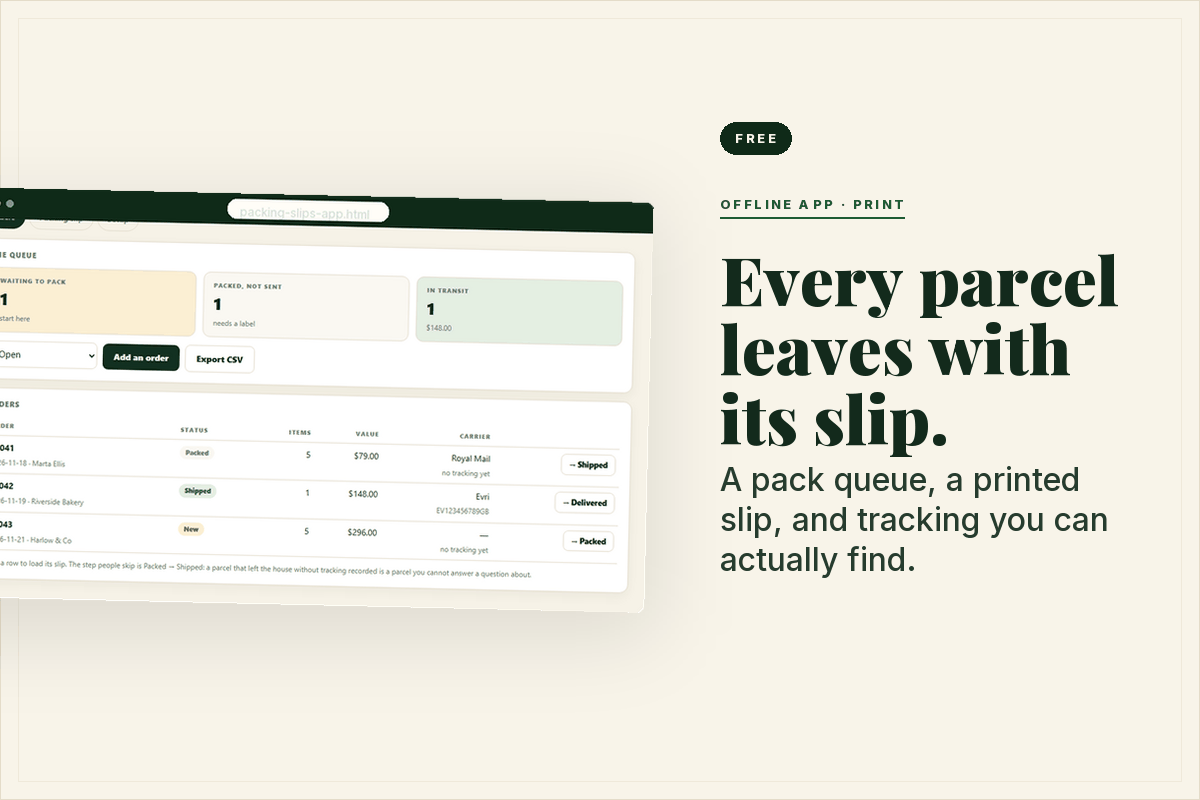
A pack queue, a printed slip, and tracking you can actually find.
Download: packing-slips-app.html
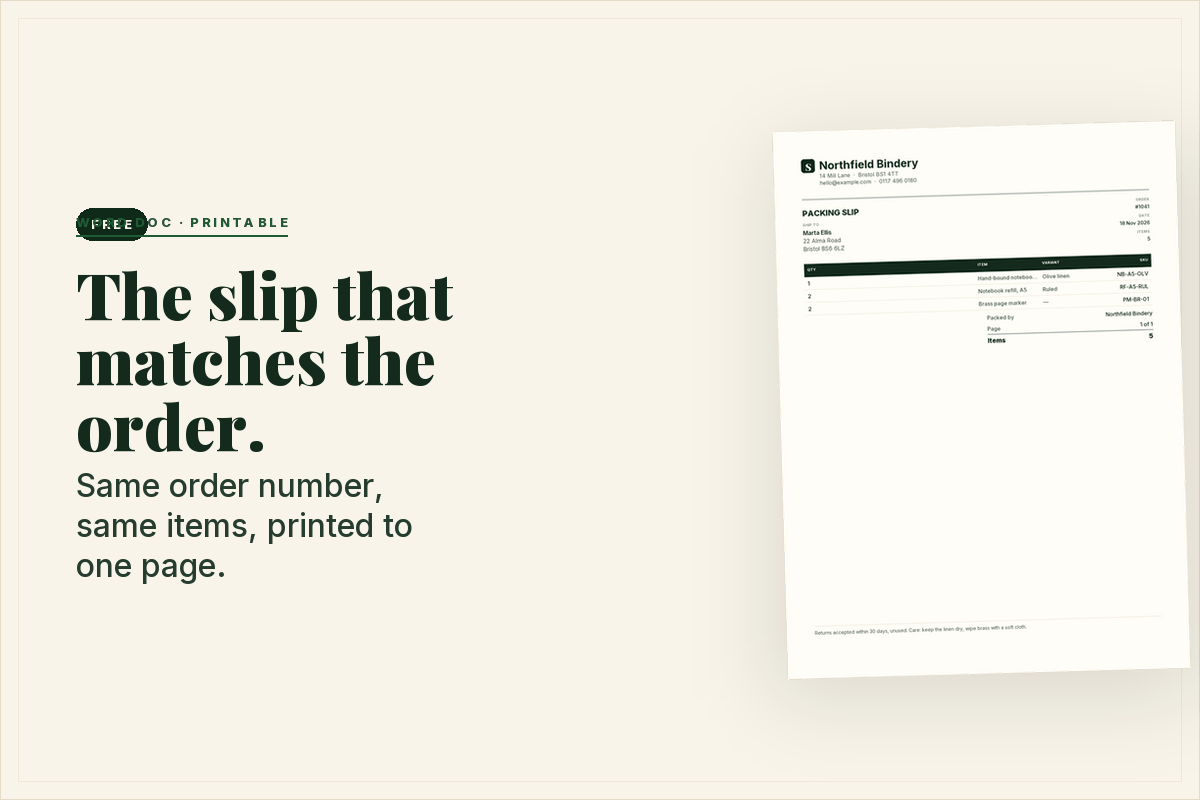
Same order number, same items, printed to one page.
Download: shopify-packing-slip-template.doc
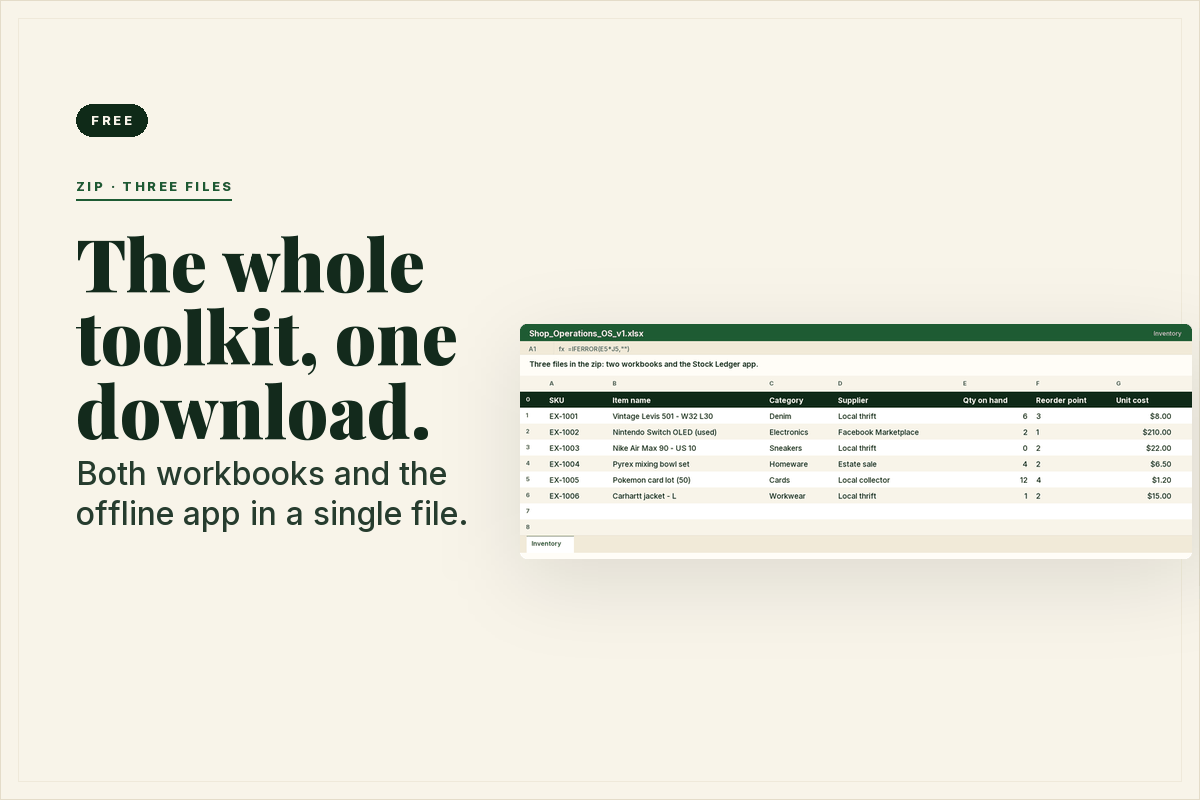
Both workbooks and the offline app in a single file.
Download: shop-toolkit-bundle.zip
What each platform keeps before the money reaches you, and what a unit actually costs to make.

Materials, your time and the overhead nobody counts — one cost per unit.
Download: batch-cost-calculator.html
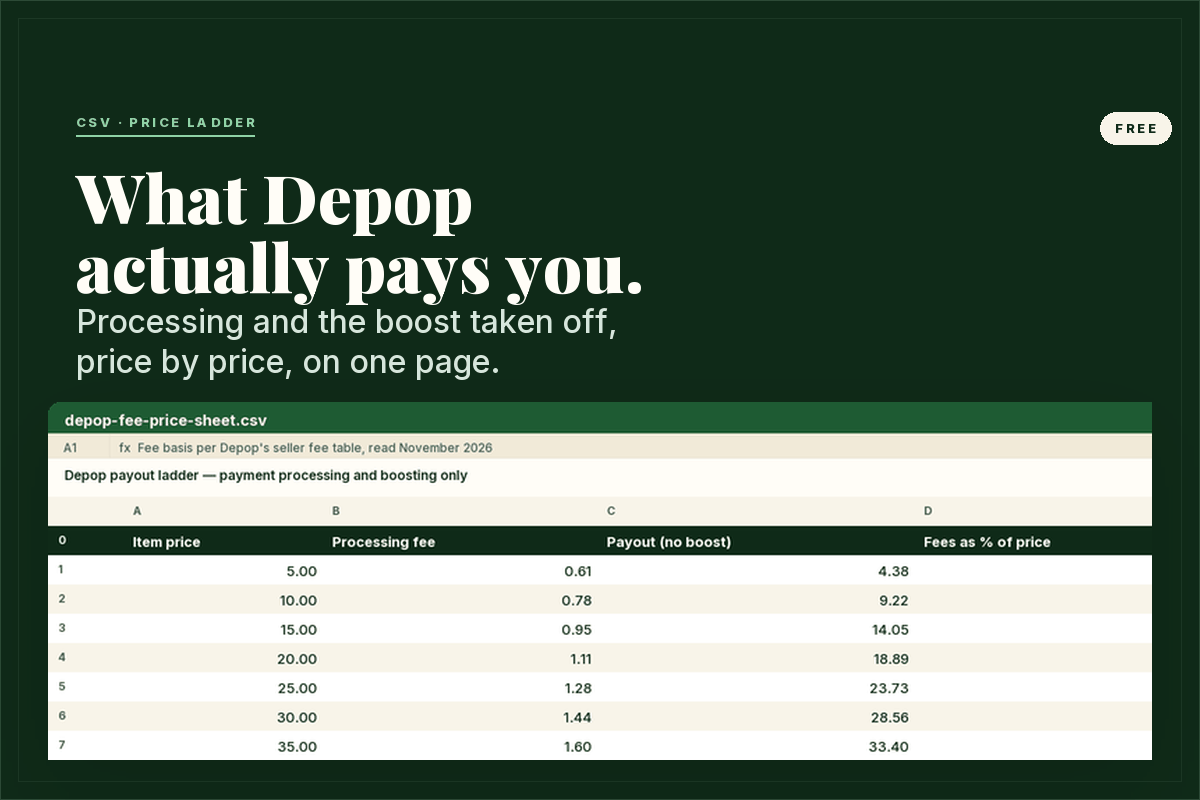
Processing and the boost taken off, price by price, on one page.
Download: depop-fee-price-sheet.csv
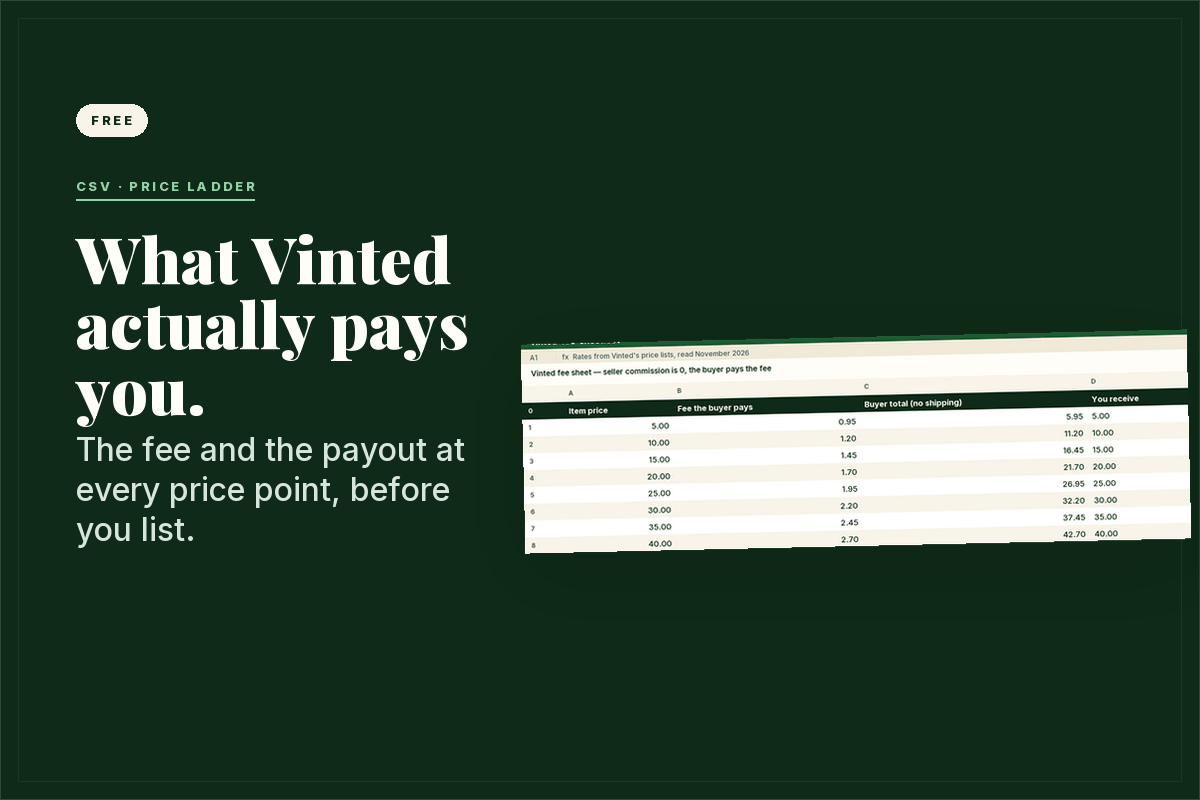
The fee and the payout at every price point, before you list.
Download: vinted-fee-sheet.csv
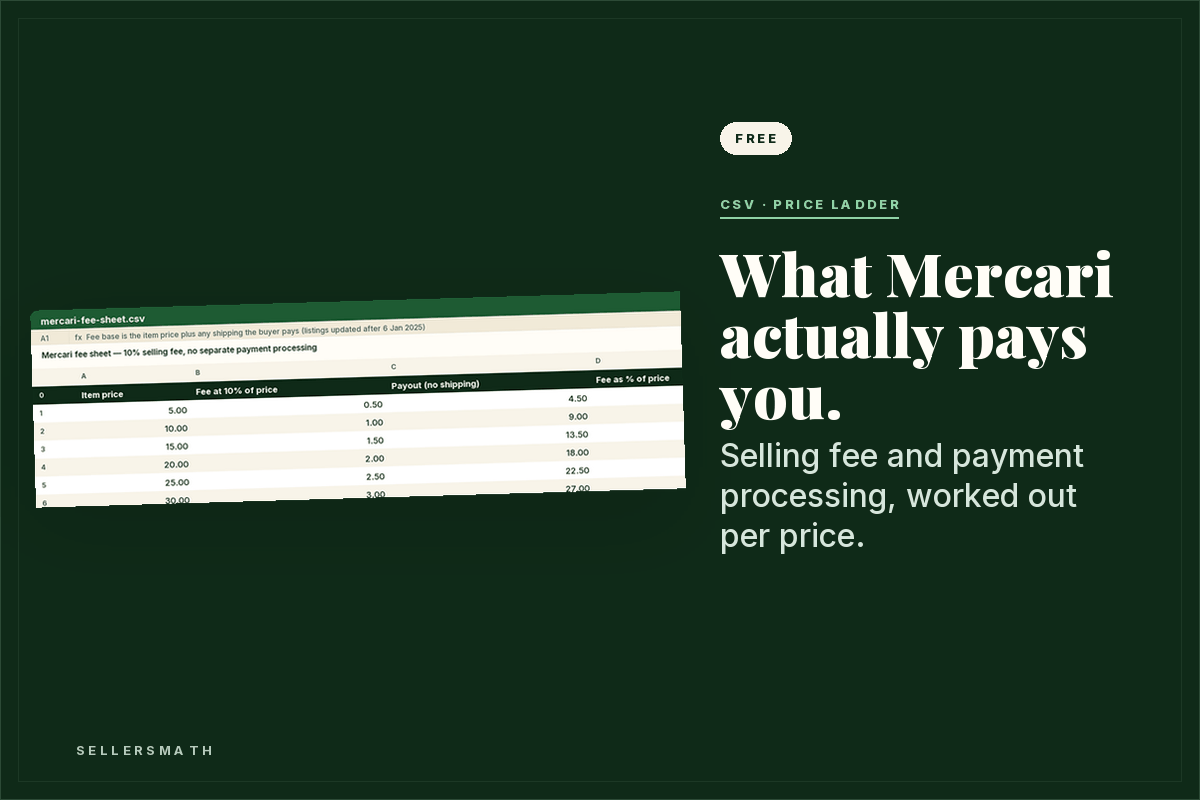
Selling fee and payment processing, worked out per price.
Download: mercari-fee-sheet.csv
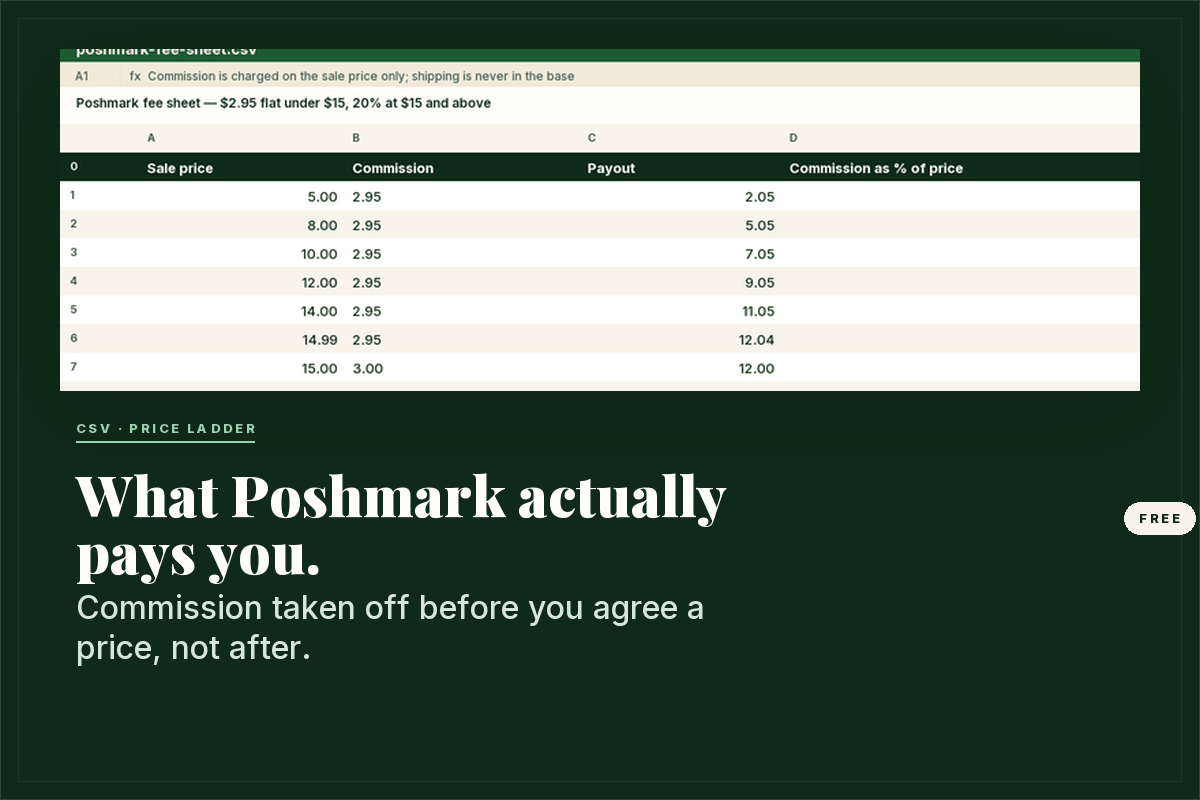
Commission taken off before you agree a price, not after.
Download: poshmark-fee-sheet.csv
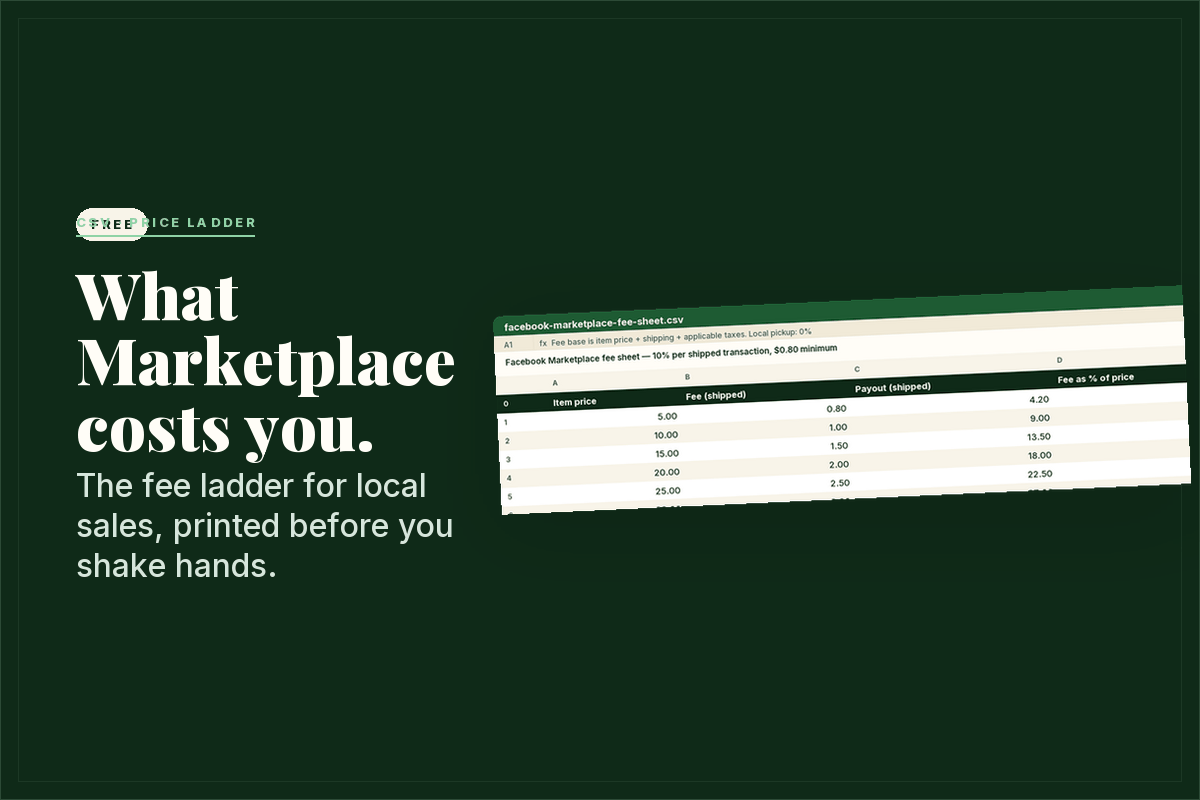
The fee ladder for local sales, printed before you shake hands.
Download: facebook-marketplace-fee-sheet.csv
The records you want when the year ends and someone asks: the month, the miles, the markets, and the plan you wrote.
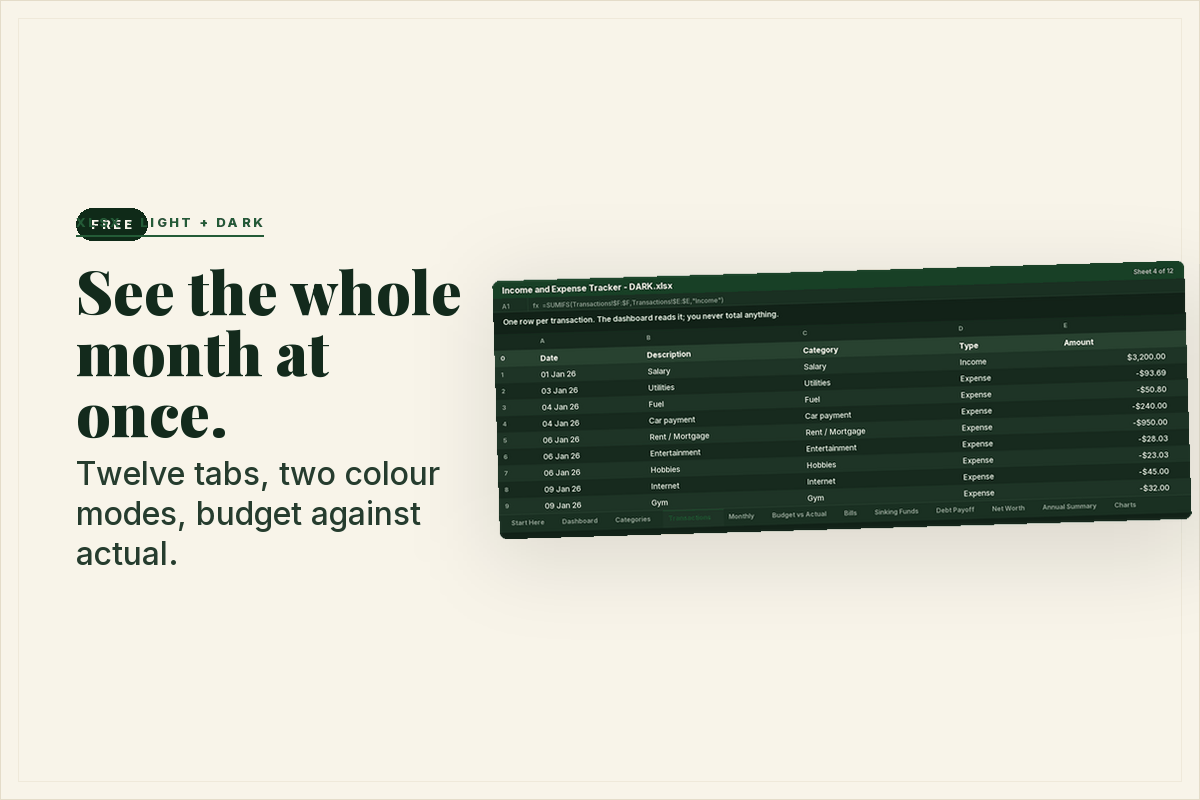
Twelve tabs, two colour modes, budget against actual.
Download: income-expense-tracker.zip
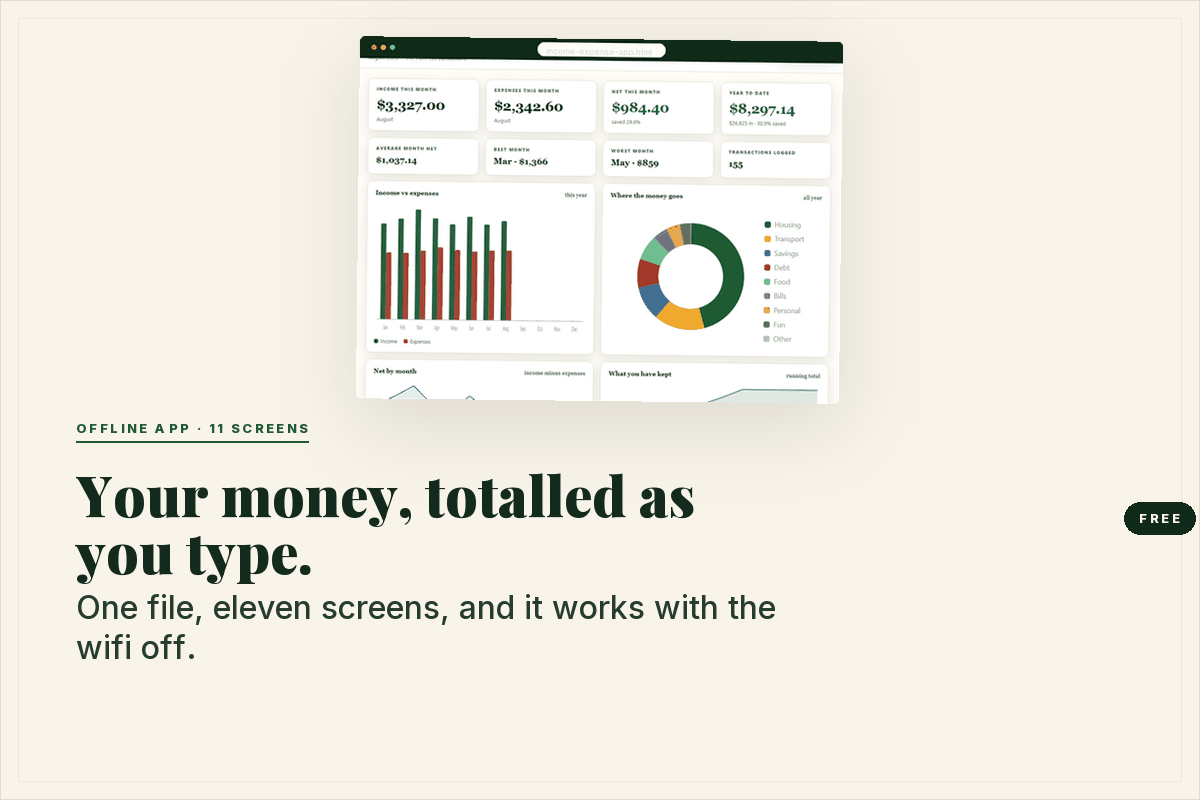
One file, eleven screens, and it works with the wifi off.
Download: income-expense-app.html
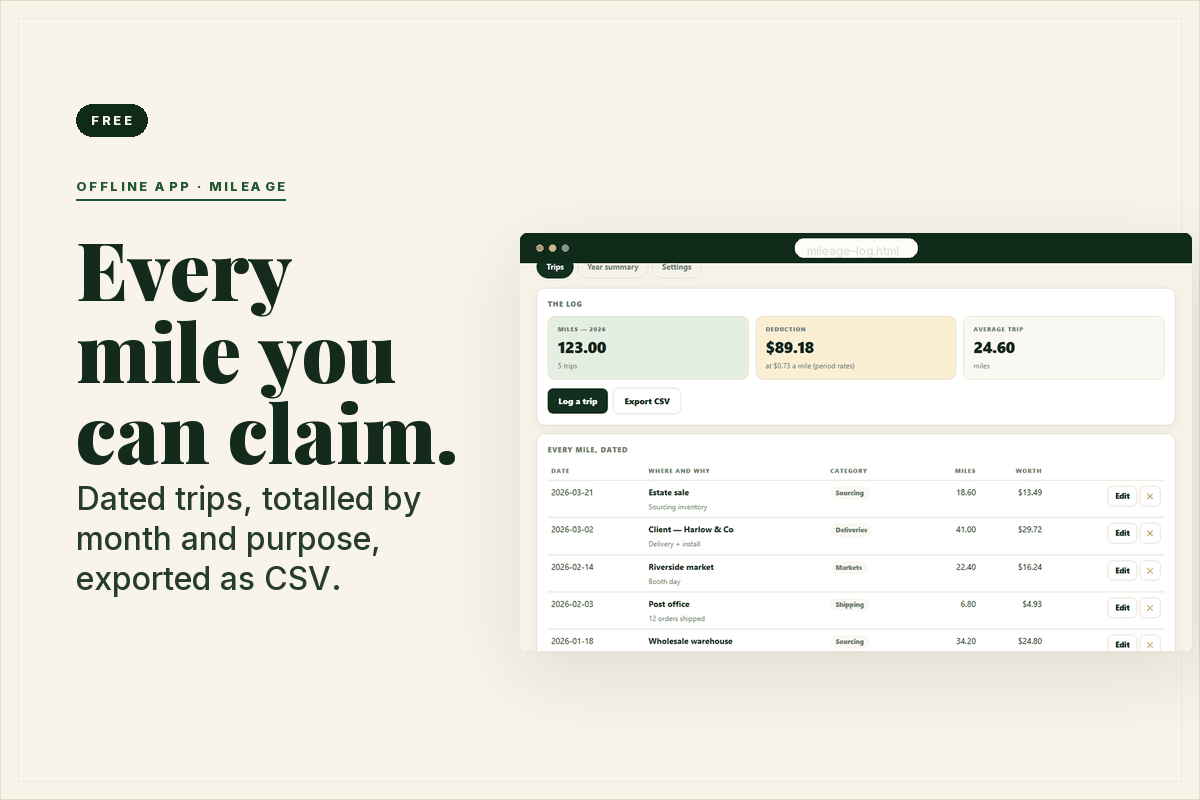
Dated trips, totalled by month and purpose, exported as CSV.
Download: mileage-log.html
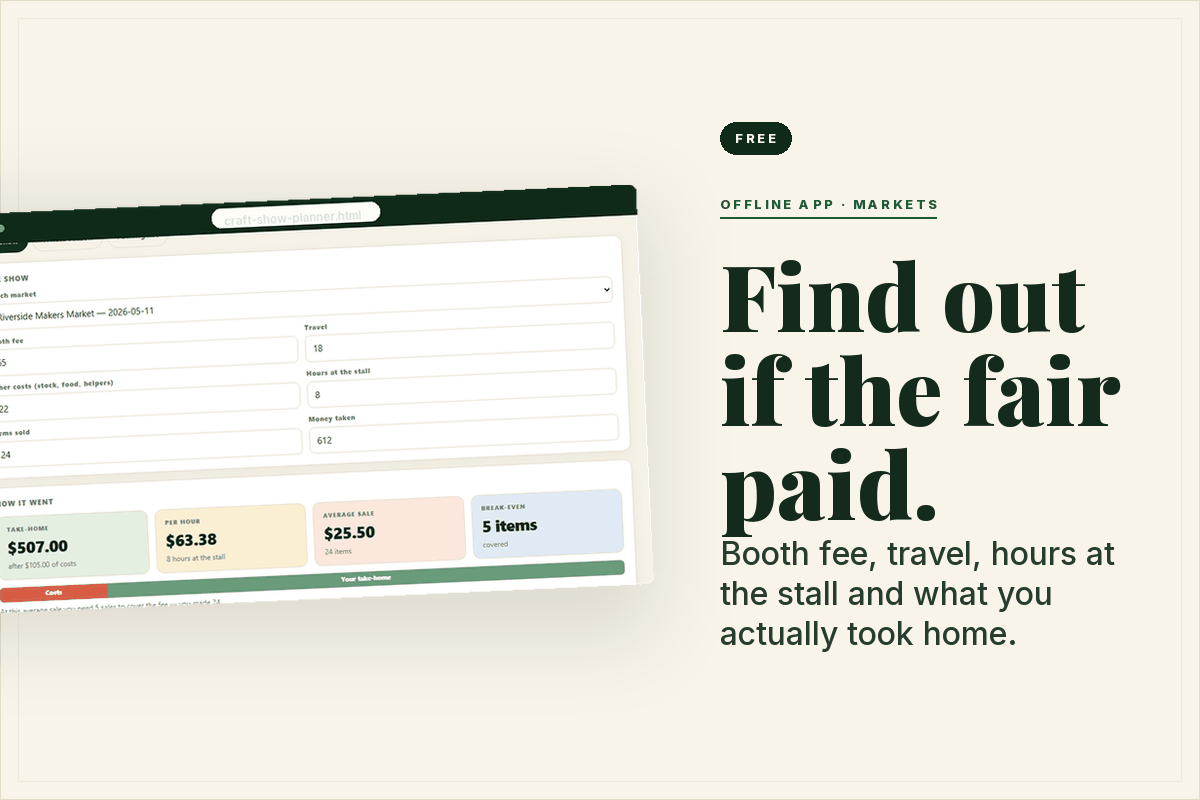
Booth fee, travel, hours at the stall and what you actually took home.
Download: craft-show-planner.html
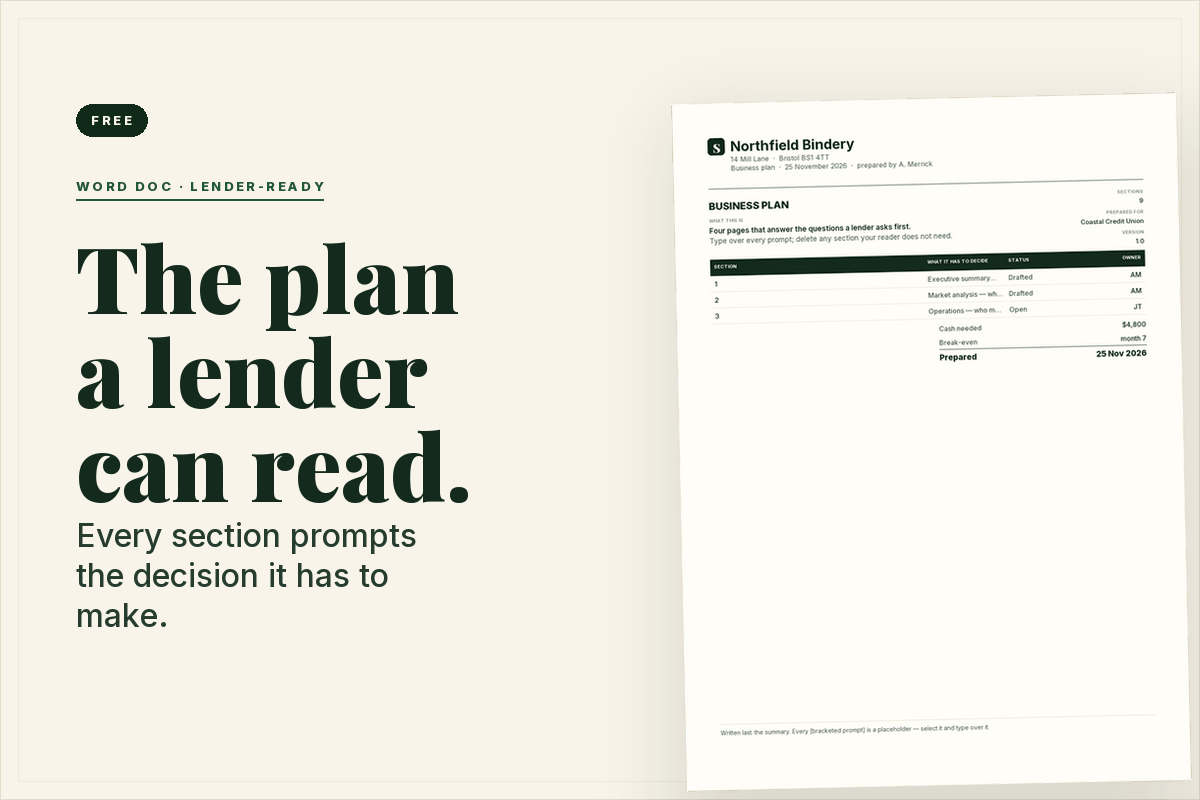
Every section prompts the decision it has to make.
Download: business-plan-template.doc
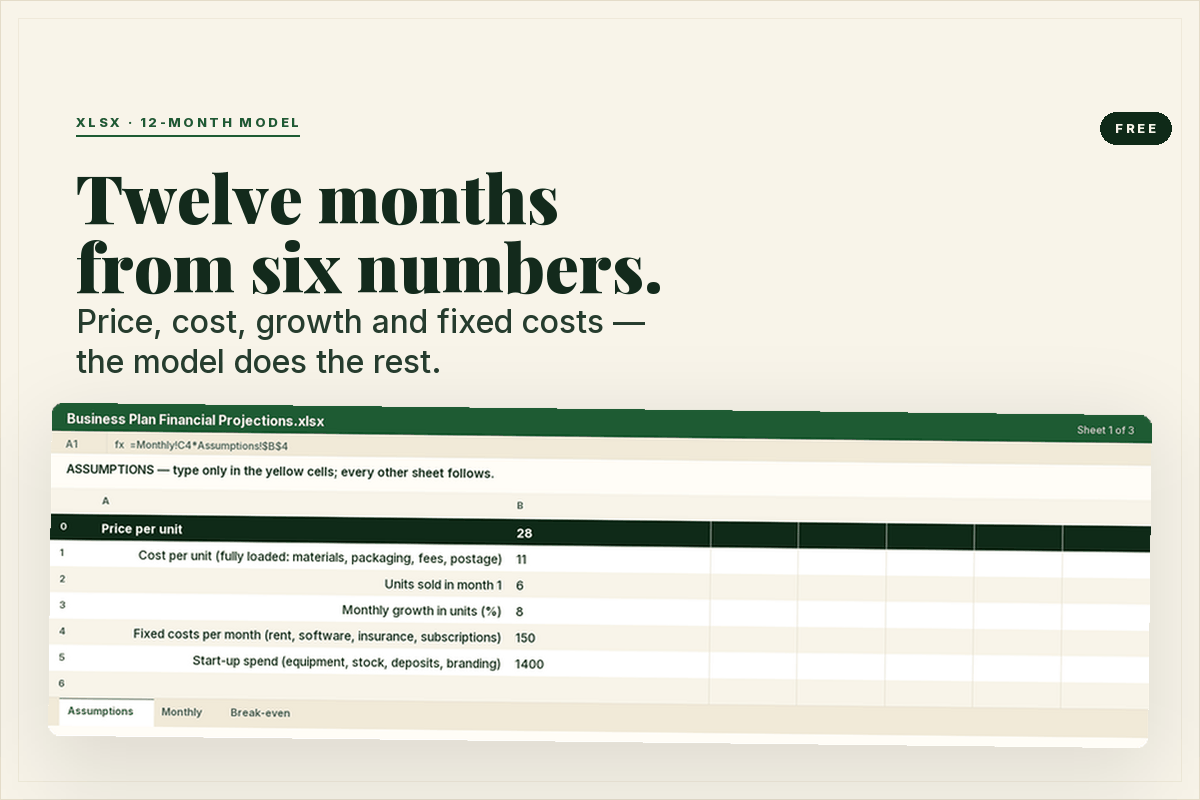
Price, cost, growth and fixed costs — the model does the rest.
Download: business-plan-financial-projections.xlsx
A download that arrives and will not open is worse than no download, so this is the whole list. Six formats cover all thirty files, and none of them needs software you have to buy.
One file you double-click. No install, no account, works offline.
Excel or Google Sheets. Formulas, no macros.
Word, Pages or Google Docs. Type over the prompts.
The older Word format — opens everywhere, including Word 2003.
A plain table. Opens in any spreadsheet, imports anywhere.
Print-ready. Nothing to fill in.
Every spreadsheet uses plain formulas — no macros, no add-ins, no protected sheets — which is what lets the .xlsx files work in Google Sheets as well as Excel. Every app is a single .html file with its own styling and data storage, so it opens in Chrome, Edge, Firefox or Safari with no install step and works with the wifi off.
Yes. Every one of the thirty used to be sold; they are free now and the files are yours to keep, on as many of your own machines as you like.
It is how the file is sent, and how you hear about a correction. There is no account, no card and no renewal — one address per file, unsubscribe whenever you want. A file you have already downloaded keeps working with no email attached.
If you sell online, start with the invoice template in the format you already use. If you make things, start with the batch cost calculator — it tells you whether the price you charge is a business. If you are not sure what you are owed, start with the client and job tracker.
No. The HTML apps are single files: double-click one, and every calculation, print and backup happens on your machine. Nothing is uploaded and nothing phones home.
Yes — upload the .xlsx to Drive and open it with Sheets. Formulas carry across; a chart may need one click to redraw, and the source tables are in the file for that reason.
Because the page would say what the page you just came from already says. The six fee sheets are one printed table each, and the six Word templates are produced by the generator on their page — so the row links straight to the download form there rather than to a second page repeating it.
These files started as the paperwork for a two-person craft business: quotes that had to become invoices, a packing slip that had to match the box, a cost per candle that had to survive a wax price rise, and a tax return that needed mileage. Each one was built because the alternative was a subscription that stored the numbers somewhere else.
They are not a suite. Nothing here talks to anything else, nothing syncs, and no file knows the others exist — which is why one can be useful on its own. Pick the row that matches the job in front of you; the browser tools cover the calculations that do not need a file at all.
Thirty downloads, one page, no account. Start with the job you are doing this week.
Get a download → SellersMath